Key takeaway
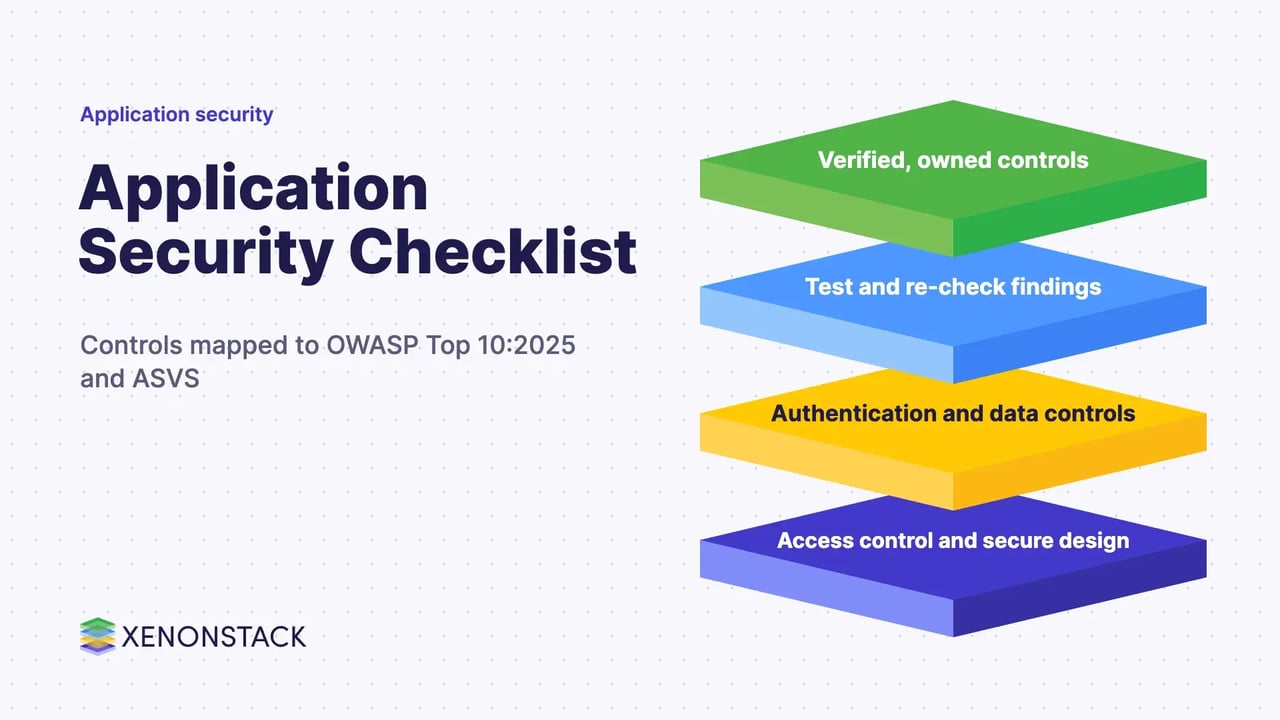
- Application security checklist for enterprise leaders: controls mapped to OWASP Top 10:2025 and ASVS, with ownership, testing, rollout and AI agent access.
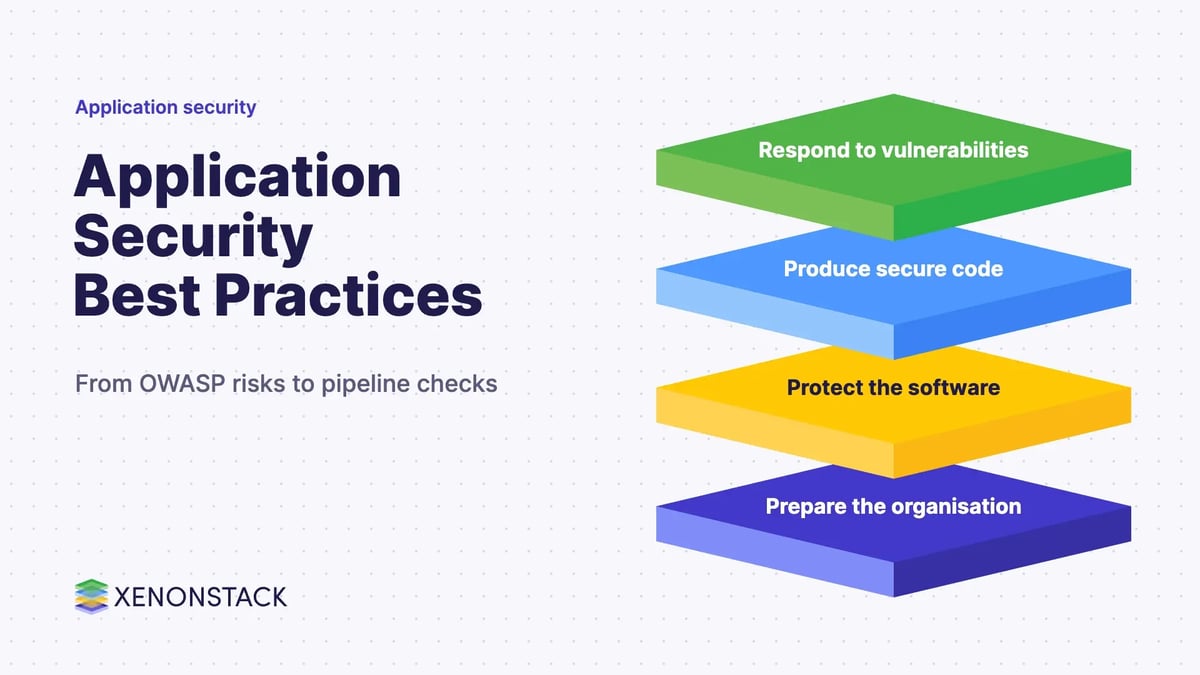
An application security checklist is a short list of controls that every application must pass before release and keep passing afterwards: access control, input handling, authentication, session handling, cryptography, configuration, dependencies and logging. The most reliable way to build one is to map it to the OWASP Top 10:2025 categories and to verify it against the OWASP Application Security Verification Standard (ASVS), which describes itself as a basis for testing web application technical security controls.
This guide is the control checklist. For where the checks sit in a delivery pipeline, read our DevSecOps checklist and DevSecOps in CI/CD guides. Here we cover what to check, who owns it and how a security leader can tell whether it works.
What does an application security checklist cover?
Application security is the work of keeping the code, data and logic of an application from being misused, from design through to production. A checklist turns that into questions a team can answer yes or no, with an owner and evidence for each. The table below groups the checks by the OWASP category they mainly address.
| Check area | Question to answer | Main OWASP 2025 category | Owner |
|---|---|---|---|
| Access control | Is every request authorised on the server, by role and by object? | A01 Broken Access Control | Application team and architect |
| Configuration | Are defaults, debug modes and exposed services reviewed per environment? | A02 Security Misconfiguration | Platform team |
| Dependencies | Do you know every third-party component and build step you rely on? | A03 Software Supply Chain Failures | Engineering lead |
| Cryptography | Is sensitive data encrypted with maintained libraries and managed keys? | A04 Cryptographic Failures | Security architect |
| Injection | Is untrusted input kept separate from queries, commands and output? | A05 Injection | Developers |
| Design | Were abuse cases considered before the feature was built? | A06 Insecure Design | Architect |
| Authentication | Are logins, MFA and sessions hardened? | A07 Authentication Failures | Identity owner |
| Integrity | Are updates, pipelines and serialised data verified? | A08 Software or Data Integrity Failures | Platform team |
| Logging | Would you notice and trace a misuse in time? | A09 Security Logging and Alerting Failures | Security operations |
| Error handling | Does the application fail safely when something unexpected happens? | A10 Mishandling of Exceptional Conditions | Developers |
The category names are taken from the OWASP Top 10:2025 page, which presents the 2025 version as the current release. Earlier lists differed, so confirm the current wording on the official page before you quote it in an audit.
How do you prevent SQL injection and other injection flaws?
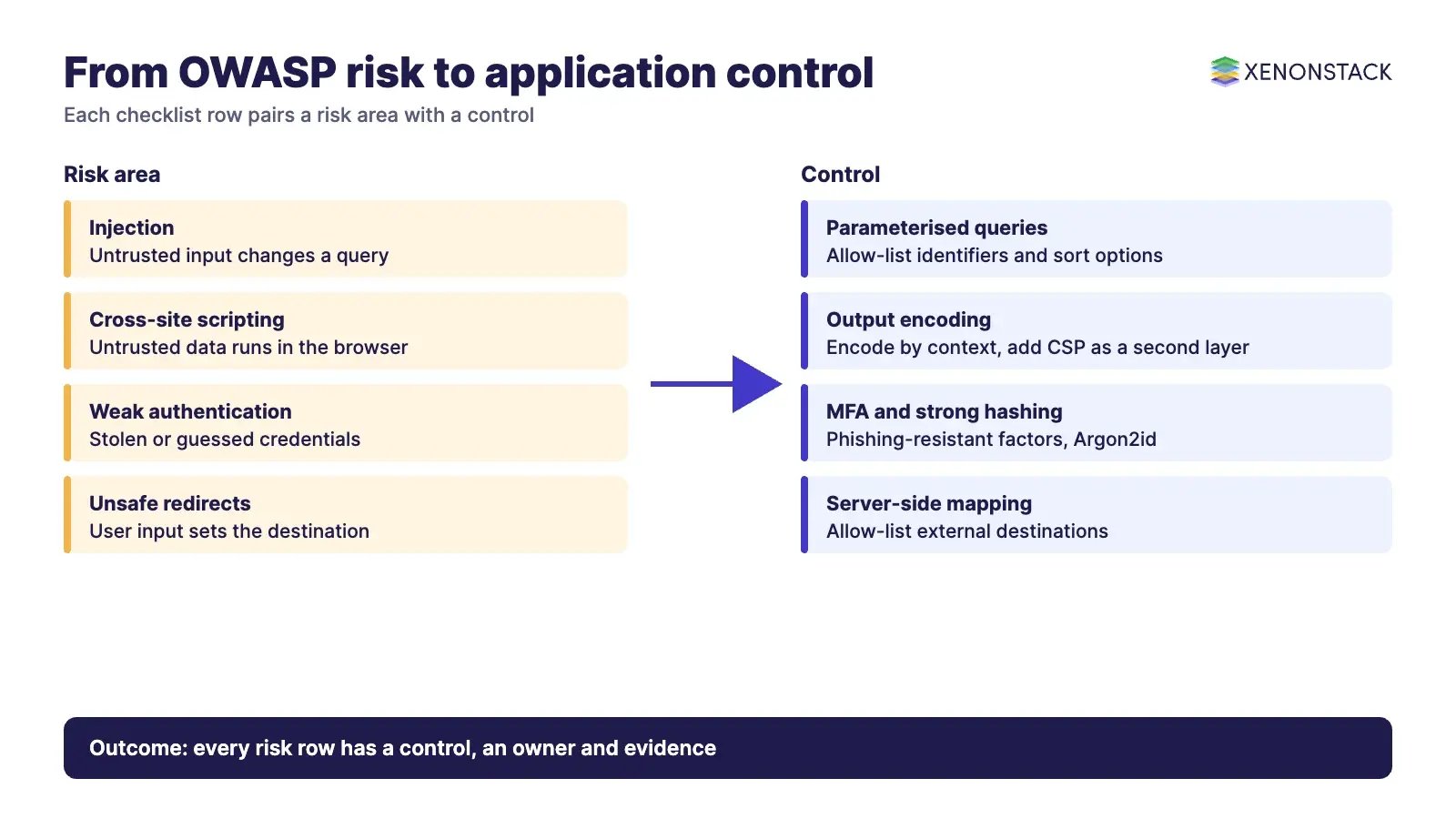
Injection stays on the list as A05:2025. The OWASP SQL Injection Prevention Cheat Sheet names two primary defences. The first is parameterised queries, which keep the SQL structure separate from the data values so that untrusted input cannot change the query. The second is allow-list validation for the parts that cannot be parameterised, such as table names, column names and sort direction: map the user choice to a fixed set of values owned by the application and reject anything else. The same page advises against manual escaping.
- Use parameterised queries or an ORM that binds values for every database call.
- Allow-list identifiers and sort options instead of passing them through.
- Keep database error detail out of user-facing messages.
- Give the application account only the database rights it needs.
A web application firewall can add a layer, but it does not replace safe query construction in the code.
How do you stop cross-site scripting (XSS)?
The OWASP XSS Prevention Cheat Sheet puts output encoding first: encode untrusted data for the context where it appears (HTML, attribute, JavaScript, CSS or URL), because each is parsed differently. It treats Content Security Policy as an extra layer and warns that it should not be the primary defence. It also advises preferring DOM APIs that treat input as text, avoiding unsafe sinks such as innerHTML, and sanitising user-authored HTML with a library such as DOMPurify.
- Encode output by context in templates and components.
- Use framework defaults that escape automatically, and review every place that bypasses them.
- Add a tailored Content Security Policy as a second layer.
- Mark session cookies HttpOnly so scripts cannot read them.
How should you handle passwords, MFA and sessions?
Weak authentication is a common route in, and it is the part of the checklist where small decisions have the largest effect.
Passwords and multi-factor authentication
Store passwords with a dedicated hashing algorithm, never reversible encryption. The OWASP Password Storage Cheat Sheet lists Argon2id as the first choice (minimum 19 MiB memory, 2 iterations, 1 degree of parallelism), then scrypt, with bcrypt for legacy systems and PBKDF2 where FIPS-140 compliance is required. Use a unique salt per password and benchmark the settings on your own hardware.
For MFA, the OWASP Multifactor Authentication Cheat Sheet recommends phishing-resistant authenticators (FIDO2 or WebAuthn, including passkeys) as the primary control, and describes TOTP as widely supported but still open to phishing and device loss. Two factors of the same type, such as a password and a PIN, do not count as MFA.
Sessions
The OWASP Session Management Cheat Sheet asks for session IDs from a cryptographically secure generator with at least 64 bits of entropy, cookies marked Secure, HttpOnly and an explicit SameSite value, a new session ID after login or any privilege change, server-side invalidation on logout (clearing the cookie alone does not stop a stolen ID) and both idle and absolute timeouts enforced on the server. It also advises against keeping session tokens in localStorage or sessionStorage.
How do you protect sensitive data and keys?
The OWASP Cryptographic Storage Cheat Sheet starts with a point worth putting at the top of any checklist: the best way to protect sensitive data is not to store it. Where you must, it recommends AES with a 256-bit key in an authenticated mode (GCM preferred), a maintained library rather than your own algorithms, keys generated with a cryptographically secure random generator, and keys held in an HSM, cloud KMS or secrets vault, outside source code and version control. Have rotation and algorithm-replacement procedures ready before you need them.
The same page notes that RSA and elliptic-curve schemes are not post-quantum secure and suggests planning a migration for long-lived confidential data. Treat that as a roadmap item for data with a long confidentiality life, not a reason to delay today's basics.
What should you check for redirects, forwards and denial of service?
Unvalidated redirects let an attacker send users from your trusted domain to a hostile one. The OWASP Unvalidated Redirects and Forwards Cheat Sheet first advises avoiding redirects and forwards where possible, then keeping user input out of the destination. If you need them, map a short ID to a URL on the server, allow-list external destinations after parsing the URL, and consider a confirmation page that shows the destination.
For denial of service, including distributed attacks from botnets, the application-level checks are rate limiting, timeouts on expensive operations, resource limits per request and capacity that scales. Network-level protection normally sits with your cloud or network provider, so record who owns it.
How do you test and re-check the findings?
Scanners find candidates, not verdicts. Choose tools that match the project, run them early, and have a person validate each finding before it reaches a backlog, so that developers trust the list. Then re-test after the fix. Our guide to security testing in DevOps covers tool types, and continuous security automation covers running them continuously.
| Method | Finds | When it fits |
|---|---|---|
| Threat modelling and design review | Design flaws (A06) | Before building a new feature or integration |
| Static analysis and dependency scanning | Code patterns and known-vulnerable components | On every commit or pull request |
| Dynamic testing | Issues visible in the running application | Against staging before release |
| Manual penetration test | Chained and business-logic issues | Before major releases and after major change |
| ASVS-based review | Gaps against a published requirement list | When you need evidence for an audit or a customer |
How do you roll the checklist out across an enterprise?
Start with the OWASP Application Security Verification Standard (ASVS) as the requirement catalogue, since it is an open standard with a stable release (ASVS 5.0.0, published 30 May 2025, according to its site). Pick the requirements that match each application's risk, not a single list for everything.
- Sort applications by data sensitivity and exposure, and set the depth of review for each tier.
- Turn the checklist into pipeline gates and pull-request templates, using the DevSecOps checklist for the stages.
- Assign an owner and an evidence source for every row, such as a test report or a configuration export.
- Review exceptions on a schedule rather than letting them become permanent.
- Report coverage and open findings by tier to the CISO and engineering leads, with no vanity counts.
If your teams already use SecDevOps or the wider CI/CD security practices, treat this checklist as the control layer beneath them. For network and identity assumptions around the application, see zero trust security architecture, and for managed support, our cyber security services.
What changes when AI agents act inside your applications?
An agent that calls your APIs is another client with credentials, and the access control and logging rows of the checklist apply to it in the same way. Give each agent its own identity, grant the narrowest rights, log each action and keep a human approval step for high-impact changes. ElixirData's Context OS keeps governed context, versioned policy and decision traces in one decision layer above AI agents, and AgentGRC keeps autonomous agent actions inside policy, with the audit trail risk teams need, according to the ElixirData site. To build and govern such agents with humans in control, see ElixirClaw.
When is a checklist not enough?
A checklist proves that known controls exist. It does not find a new design flaw or a business-logic abuse, and it can become a box-ticking exercise if nobody tests the controls. Pair it with threat modelling, testing and incident drills. For high-risk systems, use the full ASVS requirements for the relevant level rather than a short list.
To map one decision your agents should make, and the context and policy it depends on, book a Context Workshop. See what happens in the workshop.
Frequently asked questions
What is an application security checklist?
A list of controls an application must meet before and after release, covering access control, injection, authentication, sessions, cryptography, configuration, dependencies and logging, each with an owner and evidence. Mapping it to the OWASP Top 10:2025 and ASVS keeps it grounded in a published standard.
What are the current OWASP Top 10 categories?
The OWASP page for the 2025 release lists ten: Broken Access Control, Security Misconfiguration, Software Supply Chain Failures, Cryptographic Failures, Injection, Insecure Design, Authentication Failures, Software or Data Integrity Failures, Security Logging and Alerting Failures, and Mishandling of Exceptional Conditions.
How do you prevent SQL injection?
Use parameterised queries so untrusted input cannot change the query structure, and allow-list identifiers and sort options that cannot be parameterised. The OWASP cheat sheet advises against manual escaping.
Is two-factor authentication enough?
It is a strong improvement over passwords alone, but OWASP guidance prefers phishing-resistant factors such as FIDO2 or passkeys, and notes that TOTP codes remain open to phishing and to loss of the device.
How is this different from a DevSecOps checklist?
This checklist lists the application controls to verify. The DevSecOps checklist places security checks at each stage of the delivery pipeline. Use both: controls from this page, gates from the pipeline.
Explore the XenonStack platform family: ElixirData · ElixirClaw · ElixirHub · NexaStack · MetaSecure · Neural AI · AgentGRC · AgentSRE · AgentAnalyst · AgentInstruct · AgentRAI · AgentScrum · AgentSearch · AgentForce · AI Aviator · SAIF Aviator · CohortIQ · XenonStack AI · XenonStack UAE