Key takeaway
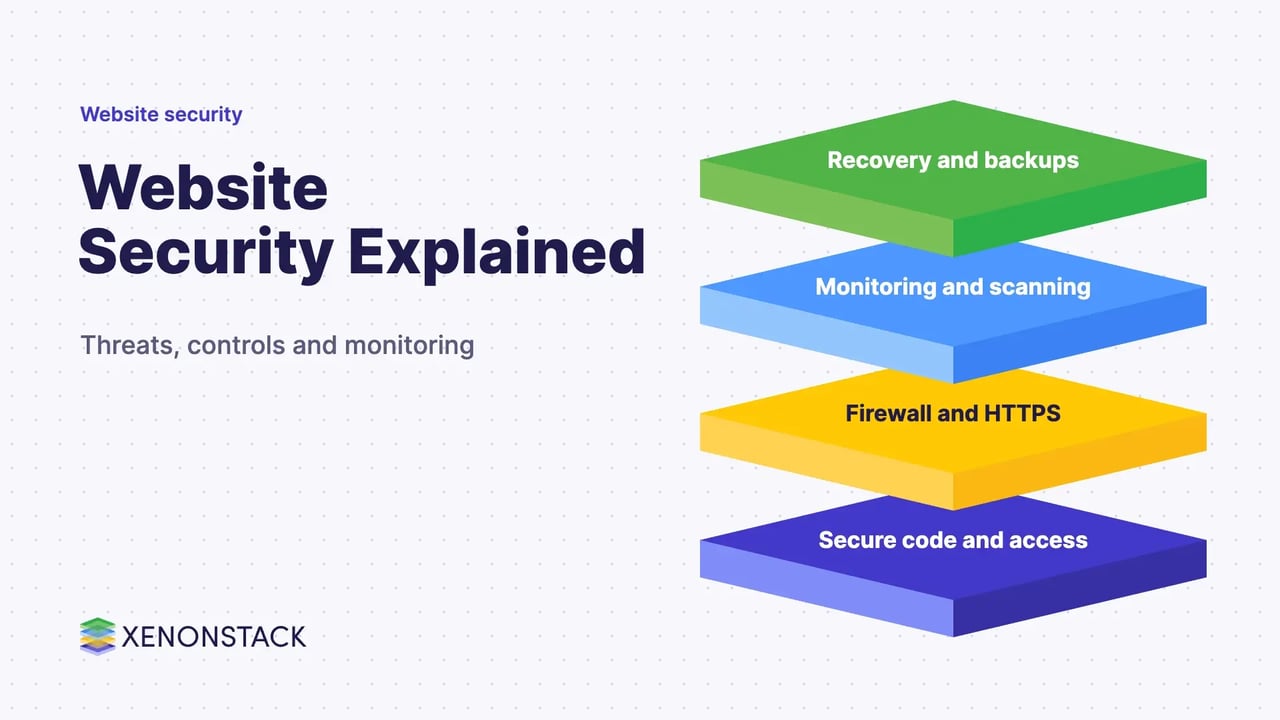
- Website security explained: common threats, HTTPS and HSTS, firewalls, scanning, monitoring and recovery, plus where AI agents help and what to do first.
Website security is the set of technical controls, processes and monitoring that protect a website and its visitors from attackers who want to steal data, abuse server resources or disrupt the site. It is an ongoing practice, not a one-off setup, because new threats and new vulnerabilities appear all the time.
This guide is for site owners, developers and security leads who need a practical view of the main threats, the controls that answer them and where to start. It covers HTTPS and HSTS, firewalls, scanning, secure coding, monitoring and recovery. For the application layer in depth, see The Application Security: Vulnerabilities Checklist, Tools and Strategy.
What is website security and why does it matter?
The MDN web security overview defines web security as "the practice of protecting websites and their users from damage caused by malicious third parties", and notes that the damage can be reputational, financial or physical. Attackers usually want one of four things: to exploit site visitors, to steal information stored on the server, to trick crawlers and bots, or to abuse server resources.
What are the most common website security threats?
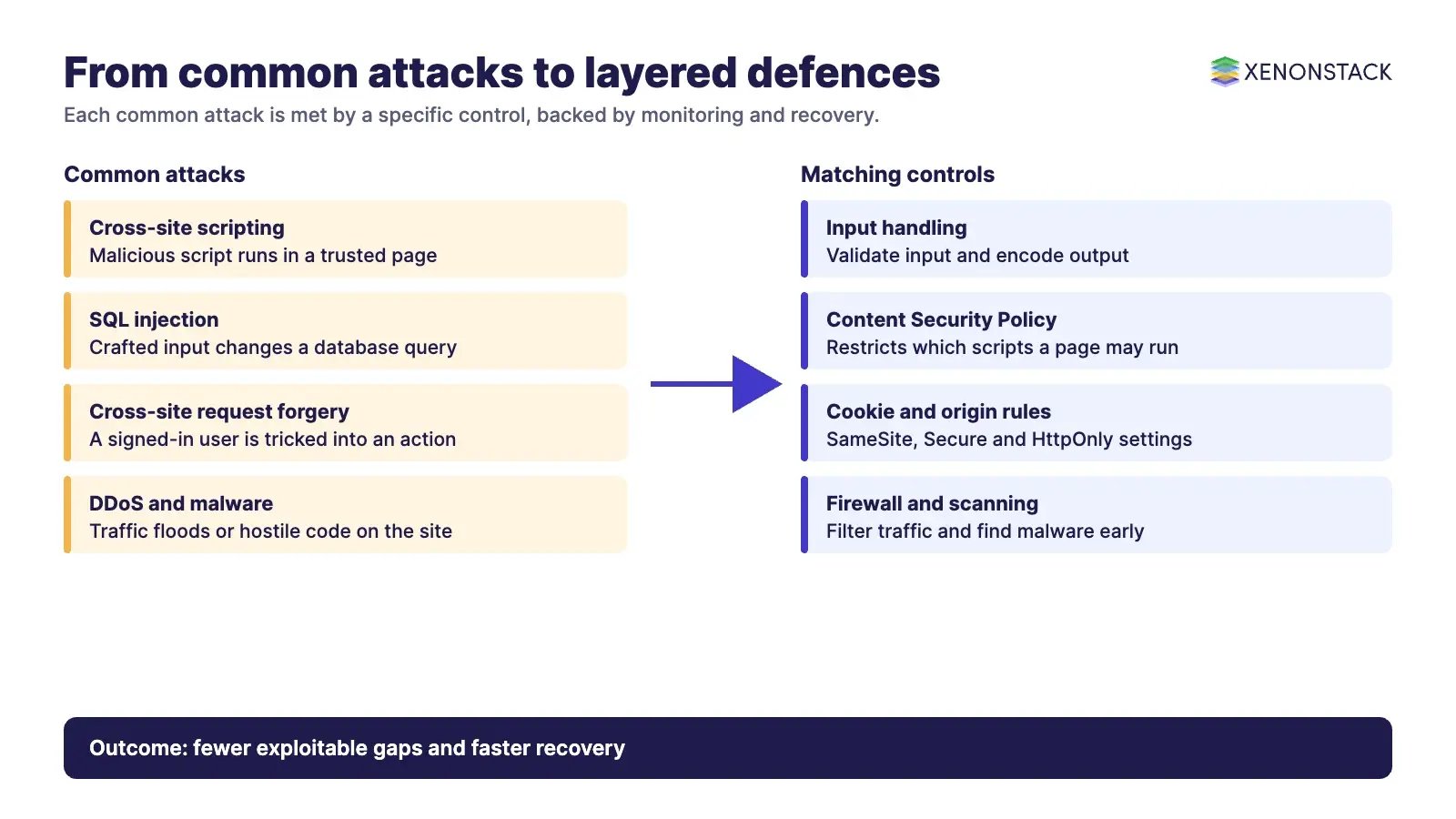
Most attacks fall into a handful of families. The table pairs each one with what it does and the control that usually answers it.
| Threat | What it does | Main defence |
|---|---|---|
| Cross-site scripting (XSS) | Injects malicious script into a trusted page so it runs in the visitor's browser | Validate input, encode or sanitise output, set a Content Security Policy |
| SQL injection | Inserts hostile code into database queries through input fields | Validate input and keep query logic separate from user data |
| Cross-site request forgery (CSRF) | Makes a signed-in user's browser perform an action they did not intend | Control cross-origin requests and use SameSite cookies |
| DDoS | Floods the site with traffic until it slows or fails | Traffic filtering and capacity planning at the network edge |
| Malware and defacement | Plants hostile code or replaces site content | Patching, file integrity checks, scanning and restricted admin access |
| Unpatched vulnerabilities | Exploits known flaws in outdated software, plugins or misconfiguration | Regular updates and an inventory of what you run |
| Blacklisting | Search engines flag the site for malware, so visitors see warnings | Early detection, clean-up and a review request |
For the wider picture of detecting attacks from data, read Challenges and Solutions of Cyber Security Analytics.
How do you secure a website?
Start with the connection, then the code, then the edges. The MDN web security overview gives these baseline steps:
- Serve all pages and subresources over HTTPS.
- Set a Content Security Policy, ideally a strict one, or at least one that disallows inline JavaScript.
- Use the
frame-ancestorsdirective to control whether other sites can embed your pages, which is also the defence it lists against clickjacking. - Set cookies to
SameSite=Strictwhere possible (otherwiseLax), addSecureandHttpOnly, and keep the lifetime of login cookies short. - Handle input securely: validate it, and encode or sanitise output before it is placed in a page.
Security headers do much of this work; the guide to HTTP Security Headers and XSS Attacks goes through them one by one.
What do HTTPS and HSTS add?
HTTPS encrypts traffic between the browser and the server, and the certificate lets the browser check it is talking to the right site. HSTS closes a gap HTTPS leaves open. According to the MDN Strict-Transport-Security reference, the header tells browsers that a host must only be accessed over HTTPS, so the browser upgrades later http requests and will not let users click through certificate errors.
The same page lists three directives: max-age (required, in seconds), includeSubDomains and preload. Preloading requires a max-age of at least 31536000 seconds (one year) and includeSubDomains. MDN also points out the remaining weakness: the first request, made before the browser has seen the header, can still go over plain HTTP, and preloading is how that gap is reduced.
What do firewalls, scanners and monitoring do?
A web application firewall sits in front of the application and inspects HTTP traffic, blocking requests that match known attack patterns. It can run on the network, on the host or in the cloud. It lowers exposure while you fix the flaw underneath, but it is not a substitute for fixing it.
A website scanner checks for known vulnerabilities, malware, blacklist status and injected spam. The longer a compromise goes unnoticed, the more it costs, so scan on a schedule and after each release. Pair scanning with monitoring of traffic, logins and file changes so that an unusual pattern raises an alert instead of waiting for the next scan.
| Control | Protects against | Limit to remember |
|---|---|---|
| HTTPS and HSTS | Eavesdropping and forced downgrade to HTTP | Does not fix vulnerable code |
| Web application firewall | Known attack patterns in HTTP traffic | Needs tuning; hides rather than removes flaws |
| Vulnerability and malware scanner | Known flaws, malware, blacklisting | Only finds what it can recognise |
| Backups and recovery plan | Data loss and long downtime | Only useful if restores are tested |
How do AI agents change website security?
Security teams spend much of their time on triage: reading scanner output, separating real findings from noise and chasing owners for fixes. AI agents can take on that repetitive work, correlating alerts from the firewall, scanner and logs, drafting remediation tickets and checking whether a fix landed. Machine learning approaches, covered in machine learning in security, can flag anomalous patterns. Agents can also help keep the inventory of applications and plugins current.
The risk is that an agent with broad access becomes a new thing to defend. Give agents narrow permissions, log what they do and keep a person in charge of changes that touch production. ElixirClaw, the AI agents computing platform, is where XenonStack runs agents of this kind. For the pipeline view, see DevSecOps Tools and Continuous Security.
What should you do first?
- List every web application, plugin and subdomain you run, and rank them by the sensitivity of the data they hold.
- Serve everything over HTTPS, then add HSTS once you are sure every subdomain supports it.
- Set a Content Security Policy, secure cookie attributes and a firewall in front of the highest-risk applications.
- Schedule scans and set up alerts for logins, traffic spikes and file changes.
- Back up the site and test a restore, so recovery is a rehearsed process.
Related reading: Cyber Security Services and Solutions and Cloud Security for Hybrid and Multi-Cloud, for applications that run on the cloud.
Holistic approach to website security
Website security works when the layers support one another: secure code, a protected connection, filtering at the edge, monitoring, and a recovery plan that has been tested.
To map one decision your agents make, and the data and policy it depends on, book a Context Workshop. See what happens in the workshop.
Frequently asked questions
What is website security?
Website security is the set of controls, processes and monitoring that protect a website and its users from attackers. It covers the code, the server, the connection, the accounts that manage the site and the plan for recovering when something goes wrong.
Is HTTPS enough to secure a website?
No. HTTPS protects data in transit between the browser and the server. It does not fix vulnerable code, weak passwords, outdated plugins or a misconfigured server, so it is one control among several.
What does a web application firewall do?
A web application firewall sits in front of a web application and inspects HTTP traffic, blocking requests that match known attack patterns such as SQL injection or cross-site scripting. It reduces exposure but does not replace fixing the underlying vulnerability.
How often should a website be scanned?
Scan on a regular schedule and after every significant release or plugin change. The right frequency depends on how often the site changes and how sensitive the data it handles is.
How do AI agents help with website security?
AI agents can triage scanner findings, correlate alerts and prepare remediation tickets for a person to approve. They work best when they act inside clear policy and access limits, and when a person owns the final decision.
Ready to put AI agents to work? See an ElixirClaw demo: the agentic OS to build, orchestrate and govern AI agents across your enterprise systems.
Explore the XenonStack platform family: ElixirData · ElixirClaw · ElixirHub · NexaStack · MetaSecure · Neural AI · AgentGRC · AgentSRE · AgentAnalyst · AgentInstruct · AgentRAI · AgentScrum · AgentSearch · AgentForce · AI Aviator · SAIF Aviator · CohortIQ · XenonStack AI · XenonStack UAE