Key takeaway
- Build a continuous delivery pipeline on Google Cloud with Cloud Build, Artifact Registry, Cloud Deploy and Binary Authorization, with canary and rollback.
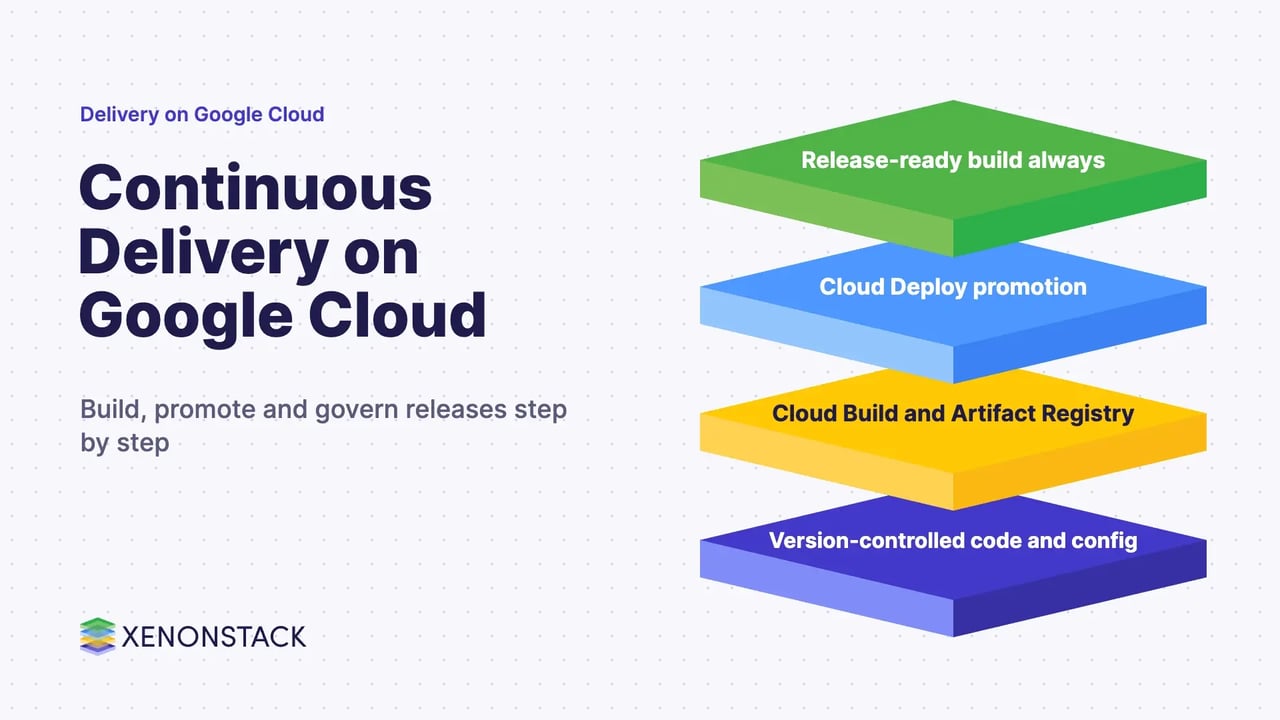
A continuous delivery pipeline on Google Cloud is an automated route that takes every code change through build, test, packaging and staged release, so that a release-ready version always exists. On Google Cloud the usual building blocks are Cloud Build for builds, Artifact Registry for images, Cloud Deploy for promotion between environments and Binary Authorization for deploy-time checks. DORA defines continuous delivery as "the ability to release changes of all kinds on demand quickly, safely, and sustainably."
This guide is for architects and platform leads who need to decide what to build, what to buy and what to govern. It covers the stages, the managed services and what each one does according to Google's own documentation, plus canary releases, rollback, supply-chain controls and an adoption sequence. For the wider CI/CD picture, see our CI/CD pipeline guide and our GCP DevOps pipeline guide.
What is a continuous delivery pipeline?
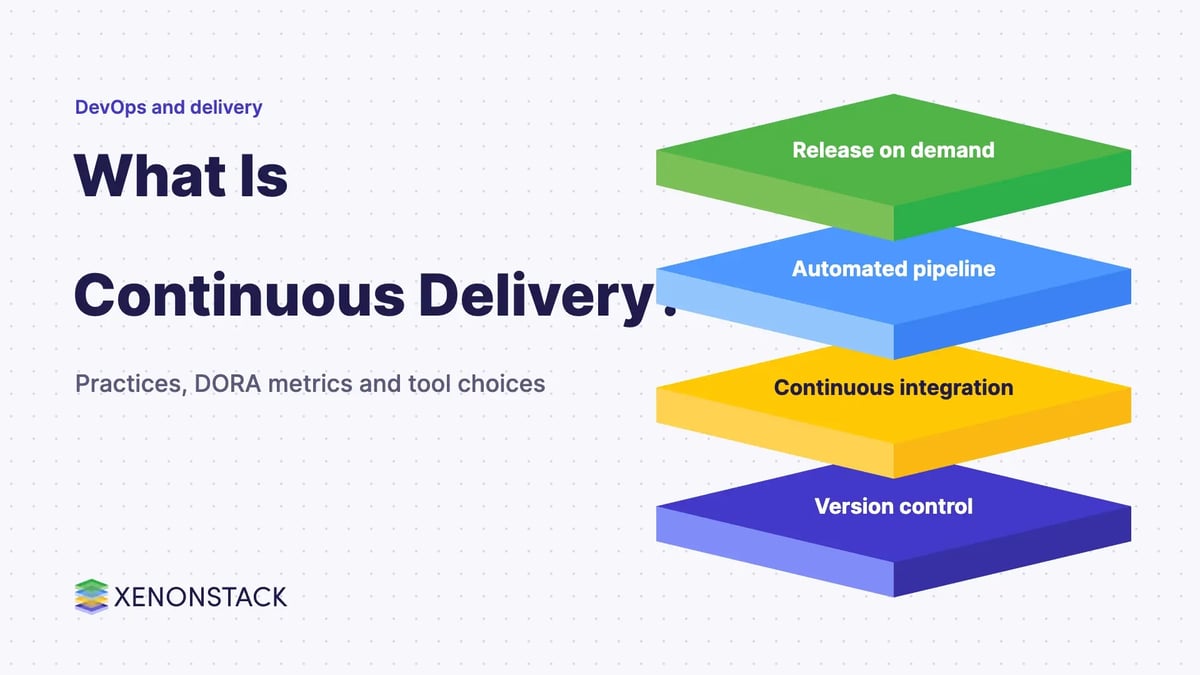
It is the set of automated steps a code change goes through on its way to production: integrate, test, build, package, deploy to a test environment, approve and promote. The aim is small, frequent, low-risk releases. DORA lists practices such as test automation, deployment automation, trunk-based development, continuous integration, version control and comprehensive monitoring and observability as supporting this capability.
In this post, continuous delivery means a release-ready build always exists and a person or a policy decides when it ships. Continuous deployment goes one step further and releases every change that passes the checks automatically. Our guide to continuous delivery tools and best practices and our comparison of continuous integration and continuous deployment cover the difference in more depth.
Which Google Cloud services make up the pipeline?
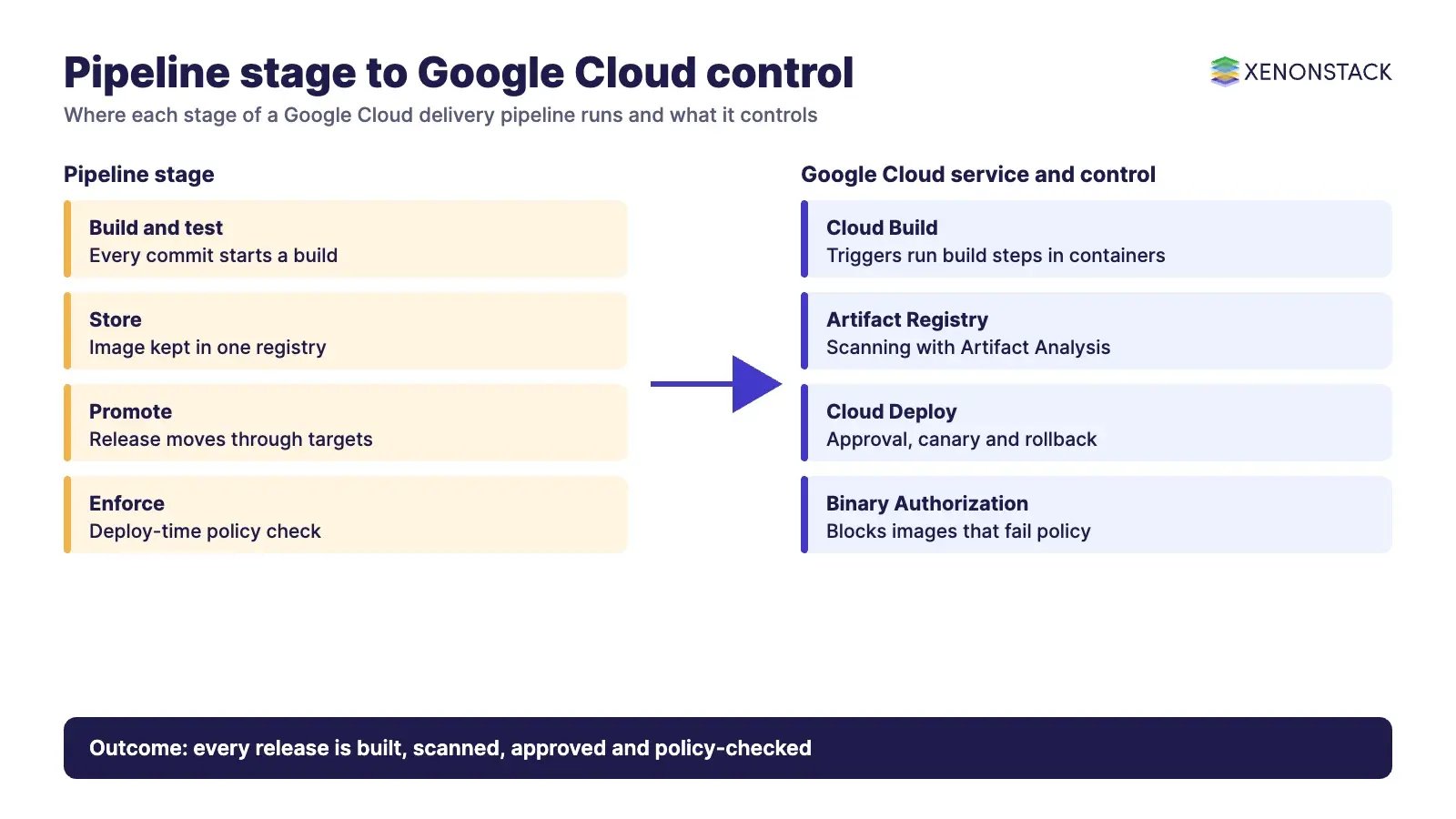
Each stage has a managed service. The table summarises what the Google Cloud documentation says each one does.
| Stage | Service | What its documentation says | Where it fits |
|---|---|---|---|
| Build and test | Cloud Build | "Cloud Build is a service that executes your builds on Google Cloud." Each build step runs in a Docker container, and build triggers start builds in response to code changes (Cloud Build overview). | Every team that builds on Google Cloud |
| Store | Artifact Registry | "A single location for storing and managing your packages and Docker container images", with scanning through Artifact Analysis. It is the recommended container registry for Google Cloud (Artifact Registry overview). | Container images and packages with one access model |
| Promote and release | Cloud Deploy | "A managed service that automates delivery of your applications to a series of target environments in a defined promotion sequence". Targets are GKE clusters, Cloud Run services or jobs, or GKE attached clusters (Cloud Deploy overview). | Multi-environment promotion with approvals and rollback |
| Enforce | Binary Authorization | Checks images against a policy you define at deploy time. Conforming images are allowed; others are blocked and the reason is written to Cloud Audit Logs (Binary Authorization overview). | Regulated or high-risk workloads on GKE or Cloud Run |
Product names and features change, so confirm current availability on the linked Google Cloud pages before you design around them. Our GCP DevOps pipeline guide goes deeper on the controls at each stage.
How does a change move from commit to production?
A typical flow has seven steps. The first three run on every commit, and the rest run per release.
- Commit and test. A commit triggers automated unit and integration tests. Cloud Build triggers can start builds in response to code changes.
- Build the image. Cloud Build runs the build steps and produces a container image.
- Store the image. The image is pushed to Artifact Registry, where it can be scanned for vulnerabilities with Artifact Analysis.
- Create a release. Your CI process calls Cloud Deploy to create a release, which holds the rendered manifest for each target. Cloud Deploy then creates a rollout for the first target.
- Approve. Setting
requireApprovalon a target makes Cloud Deploy publish a Pub/Sub message, so a ticketing or approval system can take part. - Promote. Promoting a release deploys it to the next target in the promotion sequence, and each promotion creates a new rollout.
- Run in production. The final target is production, with monitoring in place so failures are seen quickly.
The steps above follow the Cloud Build and Cloud Deploy documentation linked in the table. Pipeline definitions and targets live in configuration files, which keeps the release process in version control with the application code.
How do canary releases and rollback work?
According to the Cloud Deploy canary documentation, Cloud Deploy supports automated, custom-automated and custom canaries. In an automated canary you set a series of percentages, and the rollout is created with a phase for each increment plus a final stable phase at 100%. For example, 25%, 50% and 75% produce canary-25, canary-50, canary-75 and stable. It supports GKE and GKE attached clusters and Cloud Run services and worker pools, but not Cloud Run jobs.
For rollback, the Cloud Deploy overview says "A rollback in Cloud Deploy consists of triggering a rollout against the last successfully deployed release." Decide before go-live who may trigger a rollback and what evidence they need, because that is where release speed and risk control meet.
How do you keep a delivery pipeline secure?
Three controls matter most, and Google documents each one.
- Scan images. Artifact Registry lets you scan for container vulnerabilities with Artifact Analysis.
- Prove where an image came from. Cloud Build can generate build provenance for container images that provides SLSA level 3 assurance, according to its overview.
- Enforce at deploy time. Binary Authorization uses attestations, signed records of the image path and digest, to show that an image completed an earlier stage. Images that do not meet the policy are blocked. Its continuous validation feature is listed as Preview, so treat it as such.
Delivery pipelines now also carry AI agents that open pull requests, raise releases or trigger rollbacks. Those actions need the same policy and audit trail as human ones. ElixirClaw is an agentic OS platform to build, orchestrate and govern AI agents and automation workflows while keeping humans in control, and AgentGRC keeps autonomous agent actions inside policy, with the audit trail risk teams need.
Which delivery approach should you choose?
| Situation | What fits | Notes |
|---|---|---|
| One team, one or two environments | Cloud Build triggers plus a scripted deploy | Simplest to run. Add Cloud Deploy when promotion steps multiply. |
| Several environments, approvals, rollback needs | Cloud Deploy with a defined promotion sequence | Targets are GKE, Cloud Run and GKE attached clusters per its overview. |
| Regulated workloads, need for proof of origin | Add Binary Authorization and build provenance | Policy and attestations take design effort. Start in audit mode before enforcing. |
| Several clouds or an existing delivery platform | Keep your current platform, such as Spinnaker | See our Spinnaker guide. Confirm current project status on spinnaker.io. |
What are the trade-offs and when should you not use it?
- Managed services reduce operations work but tie your release process to Google Cloud targets. Cloud Deploy targets are GKE, Cloud Run and GKE attached clusters, so other platforms need a different tool.
- Approval gates add safety and delay. Gate only the stages where a human decision adds value.
- Canary releases need traffic control and good monitoring. Without both, a canary only slows the release.
- A pipeline does not fix weak tests. If tests are slow or flaky, fix them first, using the practices in our guide to unit testing.
How should you adopt it, step by step?
- Put code, pipeline definitions and environment configuration in version control.
- Automate build and tests on every commit with Cloud Build triggers.
- Store images in Artifact Registry and switch on vulnerability scanning.
- Define a promotion sequence in Cloud Deploy, with one approval before production.
- Add canary and rollback runbooks, then add Binary Authorization in audit mode before enforcing it.
- Measure the result with the delivery metrics in our DevOps metrics guide and adjust.
To map one release decision your delivery agents should make, and the context and policy it depends on, book a Context Workshop. See what happens in the workshop.
Frequently asked questions
What is a continuous delivery pipeline on Google Cloud?
It is an automated route from commit to a release-ready build using services such as Cloud Build, Artifact Registry, Cloud Deploy and Binary Authorization. Teams then promote that build through environments to production.
What is the difference between Cloud Build and Cloud Deploy?
According to Google, Cloud Build executes your builds and produces artifacts such as container images, while Cloud Deploy automates delivery of those applications to a series of target environments in a defined promotion sequence.
Where can Cloud Deploy deploy to?
Its overview lists GKE clusters, Cloud Run services or jobs, and GKE attached clusters. Confirm the current list on the Google Cloud page.
How does rollback work in Cloud Deploy?
Google describes a rollback as triggering a rollout against the last successfully deployed release.
How do you stop unapproved images reaching production?
Binary Authorization checks images against a policy at deploy time. Images that do not conform are blocked, and the reason is written to Cloud Audit Logs.
Explore the XenonStack platform family: ElixirData · ElixirClaw · ElixirHub · NexaStack · MetaSecure · Neural AI · AgentGRC · AgentSRE · AgentAnalyst · AgentInstruct · AgentRAI · AgentScrum · AgentSearch · AgentForce · AI Aviator · SAIF Aviator · CohortIQ · XenonStack AI · XenonStack UAE