Key takeaway
- Beta testing lets real users try a near-final product before launch. Compare alpha and beta, closed and open types, and TestFlight and Google Play limits.
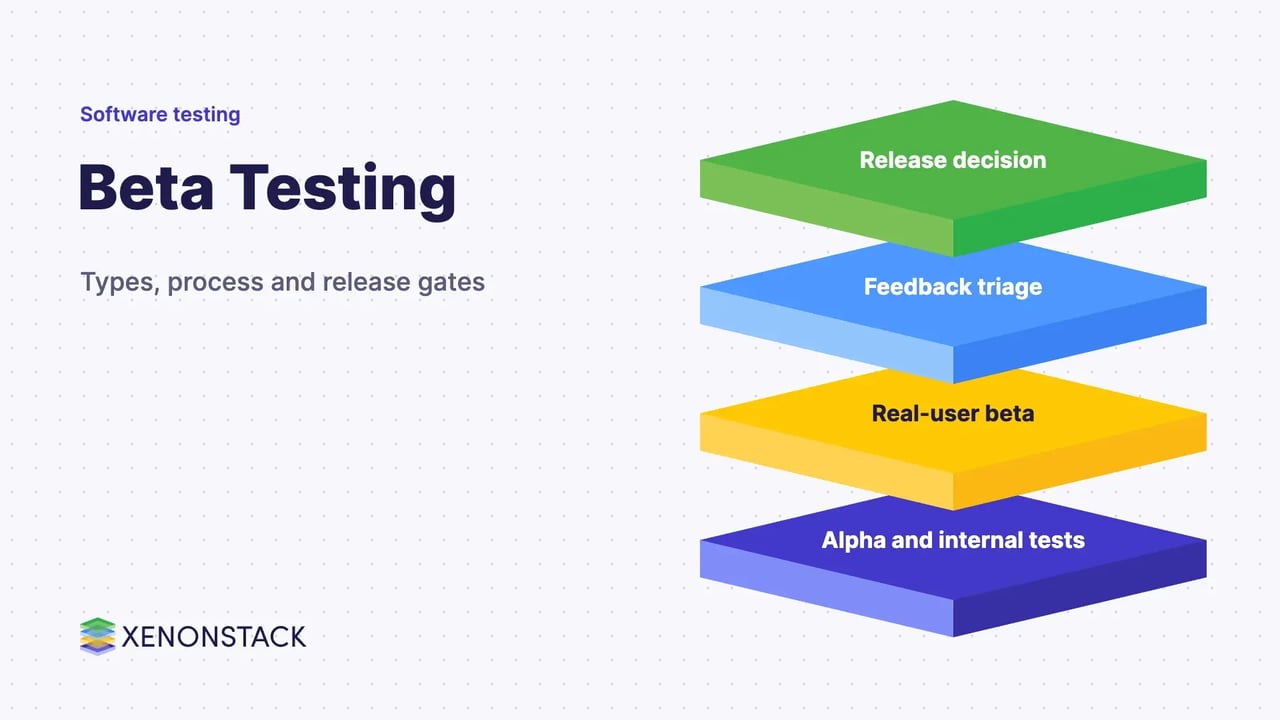
Beta testing is a late-stage test in which real users try a near-final product in their own environment and report defects, usability problems and feedback before general release. It is a form of user acceptance testing that shows how the product behaves on devices, networks and workflows the project team may never have reproduced.
This guide is for product, QA and engineering teams planning a beta. It covers the phases around beta, the main types, a step-by-step process, what the Apple and Google Play beta programmes allow, and how AI agents can help with feedback.
What is beta testing, and how does it differ from alpha testing?
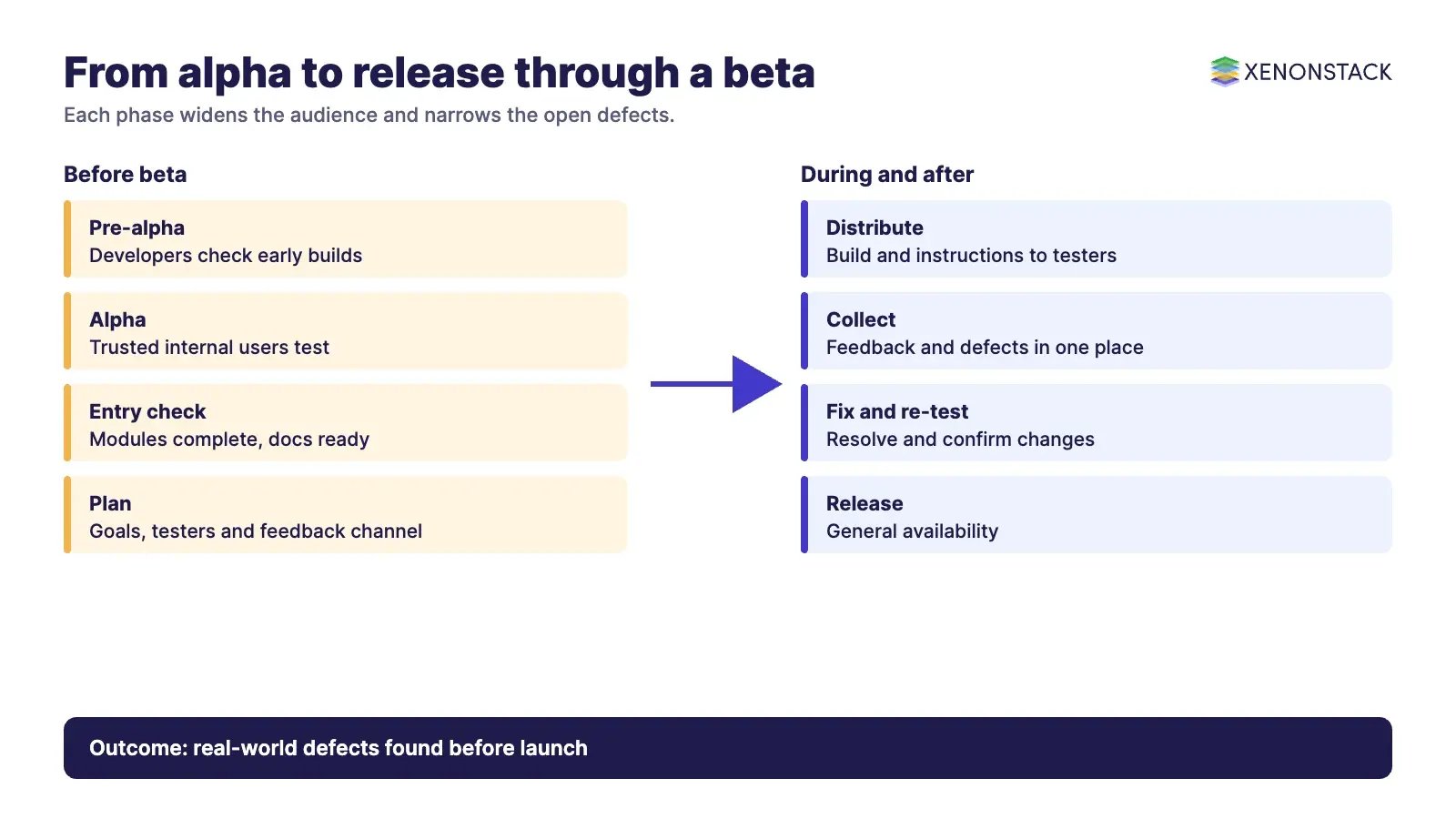
Alpha testing happens first, with the development team and a small group of trusted internal users. Beta testing follows, with external users, once all modules are complete and the product is ready to be judged against its requirements. Earlier checks such as unit testing and shift-left testing find defects close to the code. Beta testing finds the ones that only appear in the real world.
| Phase | Who tests | Purpose |
|---|---|---|
| Pre-alpha | Development team | Early checks during initial development |
| Alpha | Developers and trusted internal users | Test a more developed version before outside exposure |
| Beta | End users or selected external testers | Real-world feedback on performance, fit and usability |
| Release candidate | Project team and testers | Confirm the fixes made after beta feedback |
| Release | All users | General availability |
What are the types of beta testing?
Teams usually choose between a closed group they select and an open group anyone can join. The names below are common in practice, and several can run together.
| Type | How it works | Best used for |
|---|---|---|
| Closed beta | A limited group chosen by the team | Controlled feedback on a sensitive or unfinished build |
| Open (public) beta | Anyone who wants to join can take part | Scale, device variety and market response |
| Technical beta | Internal staff outside the project team | Early confidence before outsiders see the build |
| Focused beta | Testers concentrate on one feature or area | Validating a specific change |
| Post-release beta | Feedback gathered after launch for future releases | Planning the next version |
How do you run a beta test step by step?
- Plan: define the goal and the questions the beta must answer.
- Recruit: choose participants who match your real users and agree how feedback will be collected.
- Distribute: deliver the build with install, usage and uninstall instructions.
- Collect: gather feedback and defect reports in one place and classify them.
- Fix and re-test: resolve the defects, apply the changes that matter and confirm them before release.
Before you start, check that all modules are complete, the functionality of each works, the feedback channel is chosen and the installation, usage and uninstallation documents are ready. Our guide to software testing best practices covers the checks that should come first, and contract testing for microservices covers a way to catch interface changes before a beta.
What do Apple and Google Play allow for beta testing?
Mobile app stores are where many betas run, and their rules set practical limits.
| Platform | Tester groups described | Source |
|---|---|---|
| Apple TestFlight | Up to 100 internal testers from the development team, and up to 10,000 external testers. External testing needs a first build approved by App Review for TestFlight. | Apple TestFlight |
| Google Play | Internal tests with up to 100 testers, closed tests managed by email lists or Google Groups, and open tests anyone can join. Google recommends an internal test first, then a small closed group. | Google Play Console Help |
Google Play states that you must test your app before releasing it to production, and that developers with personal accounts created after 13 November 2023 must meet specific testing requirements before publishing. Check the current rules on the Google page before you plan a schedule, because they have changed over time. Apple lets testers send marked-up screenshots and crash reports, which arrive in App Store Connect.
What are the benefits and drawbacks of beta testing?
| Benefits | Drawbacks |
|---|---|
| Direct feedback from the people who will use the product | Delays release while feedback is collected and processed |
| Finds defects on platforms the team could not cover | The team has little control over the real-world test environment |
| Shows whether the product meets its original aims | Poorly chosen testers give vague or unhelpful feedback |
| Reduces the risk of a failed launch | Beta results do not prove the product has no defects |
A beta lowers launch risk but does not remove it. Treat it as one input beside automated tests, such as the checks described in our guide to machine learning model testing.
How do AI agents change beta testing?
The hard part of a beta is rarely collecting feedback. It is reading hundreds of reports, grouping duplicates, separating defects from feature requests and routing them to the right owner. AI agents can do that first pass: cluster similar reports, summarise crash context, draft a defect ticket and re-run a regression suite after a fix. A person should still decide severity and approve release. XenonStack describes ElixirClaw as the AI agents computing platform for building agents of this kind, with their permissions and approval steps defined up front.
What should you do first?
- Write the three questions the beta must answer.
- Choose closed or open testing and set a tester limit that matches your support capacity.
- Prepare install and uninstall instructions and a single feedback channel.
- Set the exit rule: which defect severities block release.
- Decide how reports will be grouped and who owns each group.
To map one release decision your agents support, and the data and policy it depends on, book a Context Workshop. See what happens in the workshop.
Frequently asked questions
What is beta testing in simple terms?
Beta testing lets real users try a near-final product in their own environment and report problems and feedback before general release.
What is the difference between alpha and beta testing?
Alpha testing is done by the development team and trusted internal users. Beta testing is done by external users or end users in a real environment.
What is the difference between open and closed beta testing?
A closed beta is limited to testers the team selects, while an open beta lets anyone who wants to join take part.
How many testers can I invite on Apple TestFlight?
Apple states that you can designate up to 100 internal testers and invite up to 10,000 external testers.
Can AI agents run a beta test?
They can help by grouping feedback, summarising crash context and drafting tickets, but people still set severity and approve the release.
Ready to put AI agents to work? See an ElixirClaw demo: the agentic OS to build, orchestrate and govern AI agents across your enterprise systems.
Explore the XenonStack platform family: ElixirData · ElixirClaw · ElixirHub · NexaStack · MetaSecure · Neural AI · AgentGRC · AgentSRE · AgentAnalyst · AgentInstruct · AgentRAI · AgentScrum · AgentSearch · AgentForce · AI Aviator · SAIF Aviator · CohortIQ · XenonStack AI · XenonStack UAE