Key takeaway
- How to ingest images and video into Delta tables on Databricks, run distributed deep learning inference with Spark, handle live streams and add AI agents.
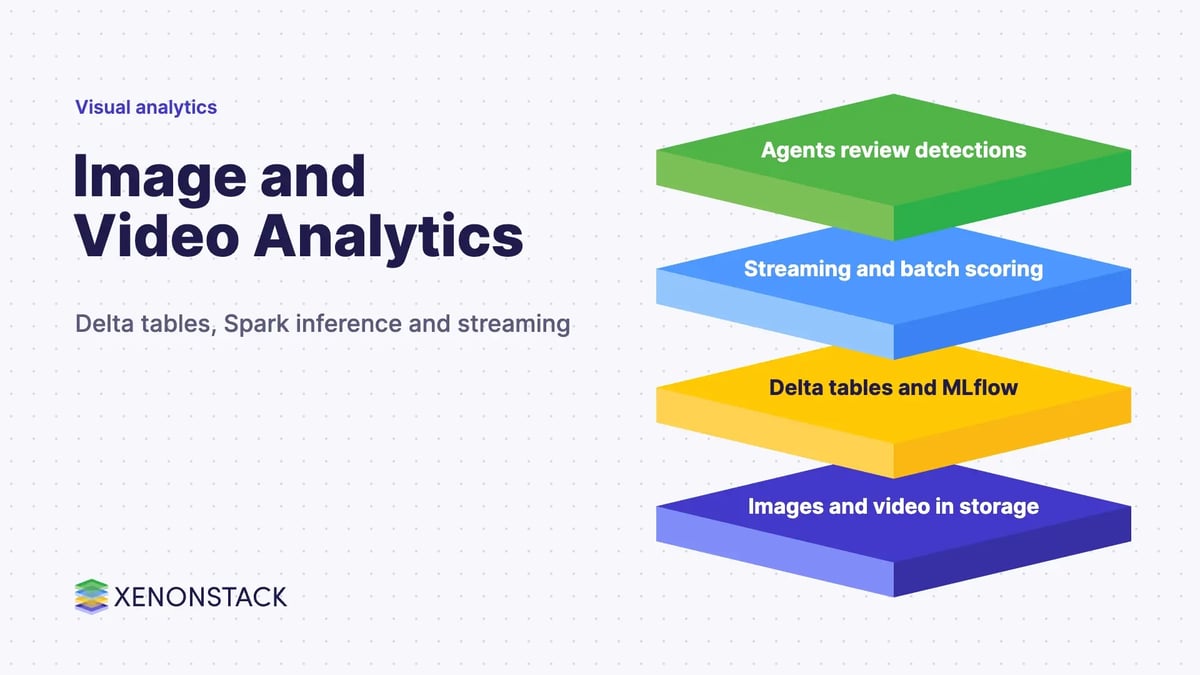
Image and video analytics on Databricks means keeping visual files in cloud storage, loading them into Delta tables, and running distributed Apache Spark jobs and deep learning models over them, with MLflow tracking the models and Structured Streaming handling live feeds. The aim is to treat pictures and frames as governed data that can be queried and scored like any other table.
This guide is for data engineers, machine learning teams and operations leaders in retail, manufacturing and smart cities. It covers how to ingest visual data, how to run models at scale, how to process live streams, and how AI agents fit, and it links to our Databricks and real-time video analytics guides.
What is image and video analytics on a data platform?
It is the practice of extracting structured information from pictures and footage, such as what objects appear, where, and when, and joining it with business data. On Databricks the building blocks are cloud object storage, Delta Lake tables, Spark for parallel compute, and deep learning frameworks such as TensorFlow and PyTorch. The Delta Lake documentation describes ACID transactions on Spark, data versioning for rollbacks and reproducible machine learning experiments, and tables that act as both batch tables and streaming sources and sinks.
How do you ingest images and video into Databricks?
The Databricks binary file documentation says the binaryFile source reads binary files and converts each into a single record holding the raw content and metadata. Each row has a path, modification time, length and content column. The page lists options such as a glob filter for patterns like *.jpg and recursive lookup through nested folders, and it recommends this source for image data.
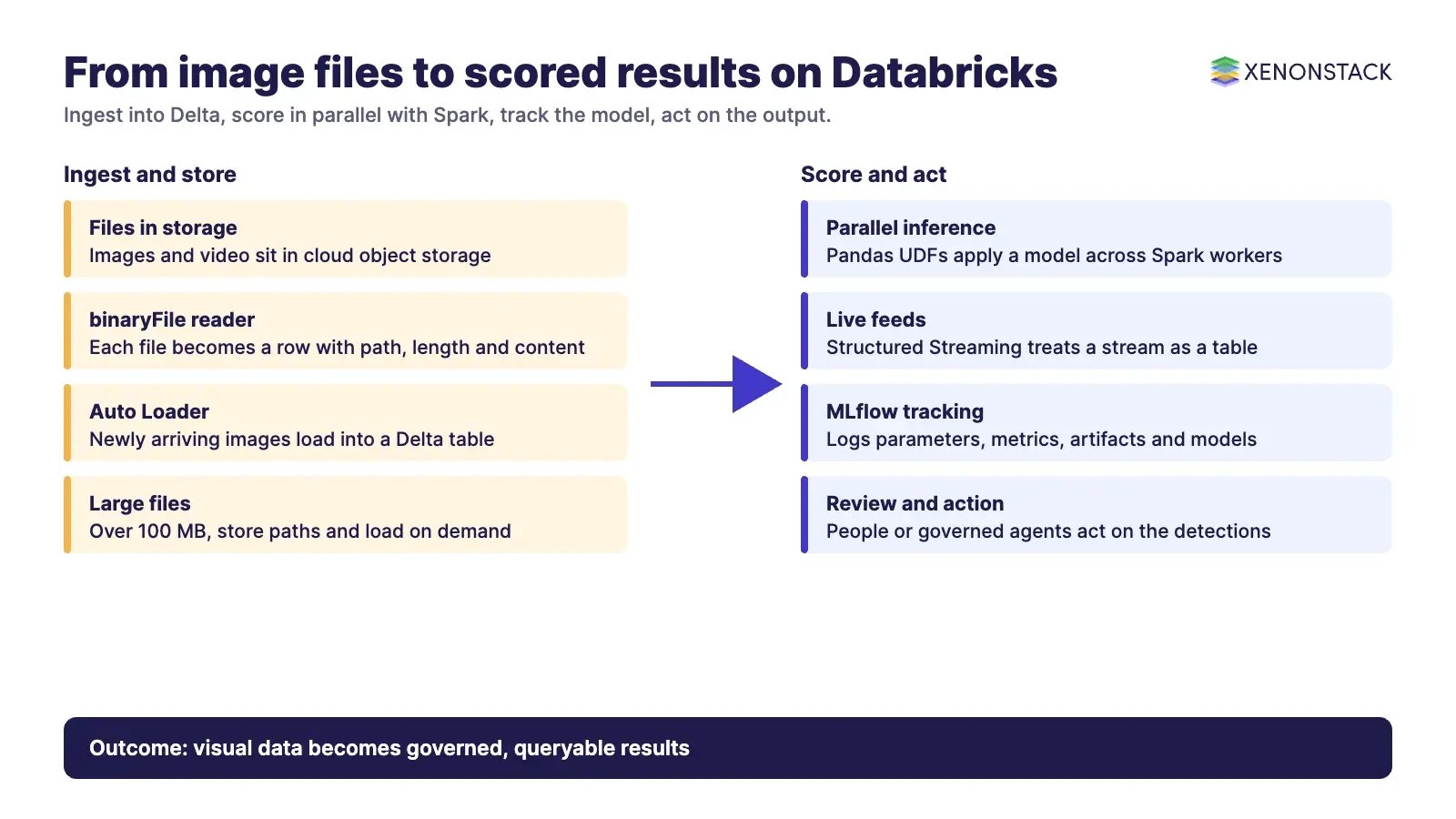
For pipelines, Databricks' reference solution for image applications recommends ingesting images into a Delta table with Auto Loader, which also handles images that keep arriving. It adds one limit: for images averaging more than 100 MB, store only the metadata, such as file names, in the Delta table and load each image from object storage by path when needed. The same logic suits video, which is large: keep the files in cloud storage, record paths and metadata in a table, and split footage into frames or segments before image models score it.
| Visual data | How to hold it | What to check |
|---|---|---|
| Small to medium images | binaryFile reader or Auto Loader into a Delta table | File types and arrival pattern |
| Images averaging over 100 MB | Paths and metadata in Delta, files in object storage | Read cost per image |
| Recorded video | Files in storage, table of paths, frames or segments extracted | Frame rate and retention policy |
| Live video | Stream of frames or references through a message queue | Latency and replay needs |
Whatever the format, record data quality checks next to the data: camera identifiers, capture times and missing frames matter as much as the pixels.
How do you run deep learning models over images at scale?
The Databricks reference solution describes inference over stored images as embarrassingly parallel, so it can be distributed, and demonstrates it with pandas UDFs using PyTorch and TensorFlow tf.Keras. In plain terms, Spark splits the table across workers and each worker applies the model to its share. Our overview of Apache Spark architecture explains the executors and tasks behind this, and the guide to convolutional neural networks covers the model type most image tasks use. For wider context see deep learning applications.
Models should be tracked, not just run. MLflow Tracking is described as an API and UI for logging parameters, code versions, metrics and output files, and logged models can be registered in the Model Registry. That record lets you say which model version produced which detections.
How do you process live video feeds?
The Structured Streaming guide says the key idea is to treat a live data stream as a table that is continuously appended, so a streaming computation is written like a batch query and Spark runs it incrementally. It states that, using replayable sources and idempotent sinks, Structured Streaming can ensure end-to-end exactly-once semantics under any failure. In a video setting, a message queue carries frame references or extracted frames, and the streaming job scores them as they arrive. Our guides on real-time streaming and edge computing for video analytics cover the surrounding design, including when to score near the camera instead of in the cloud.
Where is visual analytics used?
The questions differ by sector, while the pipeline stays much the same.
| Sector | Question the footage can answer | Related guide |
|---|---|---|
| Retail | How do people move through a store and where do they pause? | Deep learning applications |
| Manufacturing | Which items on the line show visible defects? | Predictive maintenance with IoT analytics |
| Smart cities | Where does traffic build up and when? | AI intelligent traffic management |
How do AI agents change visual analytics?
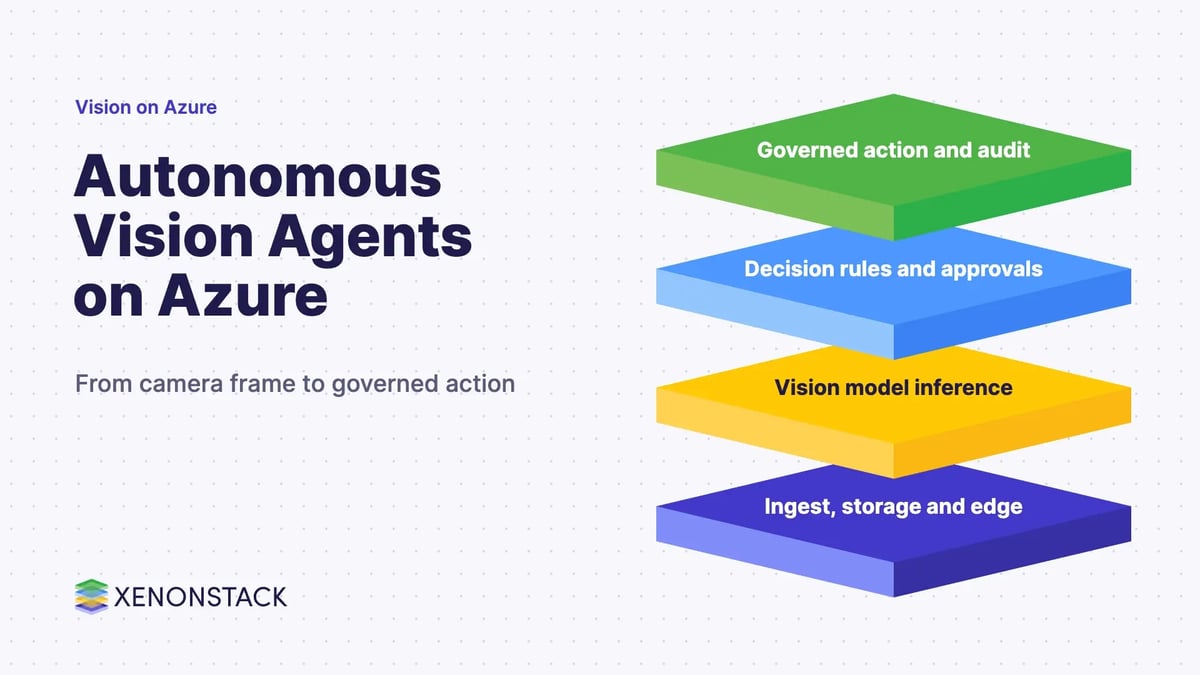
A model outputs a detection. An agent can take the next step: check the detection against business data, decide whether it needs a person, and open a ticket or alert. That makes the surrounding controls important, including which footage an agent may see, which actions it may take, and how each step is recorded. For running vision models close to the data, NexaStack is XenonStack's inference infrastructure.
What should you do first?
- Pick one visual question, such as defect spotting on one line, and define what counts as a correct answer.
- Load a small sample into a Delta table with the binaryFile reader and check metadata quality.
- Run a pre-trained model in parallel with a pandas UDF and log it with MLflow.
- Decide whether the use case needs live scoring or whether scheduled batch runs are enough.
- Agree who reviews detections and what an agent may do without approval.
To map one decision your agents make, and the data and policy it depends on, book a Context Workshop. See what happens in the workshop.
Frequently asked questions
How do you load images into Databricks?
Use the binaryFile source, which turns each file into a row with path, modification time, length and content, or ingest images into a Delta table with Auto Loader, which Databricks recommends for images that keep arriving.
What if my image files are very large?
Databricks advises that for images averaging more than 100 MB you store only metadata such as file names in the Delta table and load each image from object storage by path when needed.
How do you run a deep learning model on many images in parallel?
Databricks demonstrates distributed inference with pandas UDFs, using PyTorch and TensorFlow tf.Keras, because applying a model to many stored images is embarrassingly parallel.
Can Spark process live video?
Structured Streaming treats a live stream as a continuously appended table and can ensure end-to-end exactly-once semantics with replayable sources and idempotent sinks. Video needs a step that turns footage into frames or frame references first.
What does MLflow add to a vision pipeline?
MLflow Tracking logs parameters, code versions, metrics and output files, and logged models can be registered in the Model Registry, so you can tie detections to a specific model version.
Follow XenonStack on LinkedIn: XenonStack on LinkedIn for new guides on agentic AI, data and platform engineering.
Ready to put AI agents to work? Explore ElixirClaw, the agentic OS platform to build, orchestrate and govern AI agents.
Explore the XenonStack platform family: ElixirData · ElixirClaw · ElixirHub · NexaStack · MetaSecure · Neural AI · AgentGRC · AgentSRE · AgentAnalyst · AgentInstruct · AgentRAI · AgentScrum · AgentSearch · AgentForce · AI Aviator · SAIF Aviator · CohortIQ · XenonStack AI · XenonStack UAE