Key takeaway
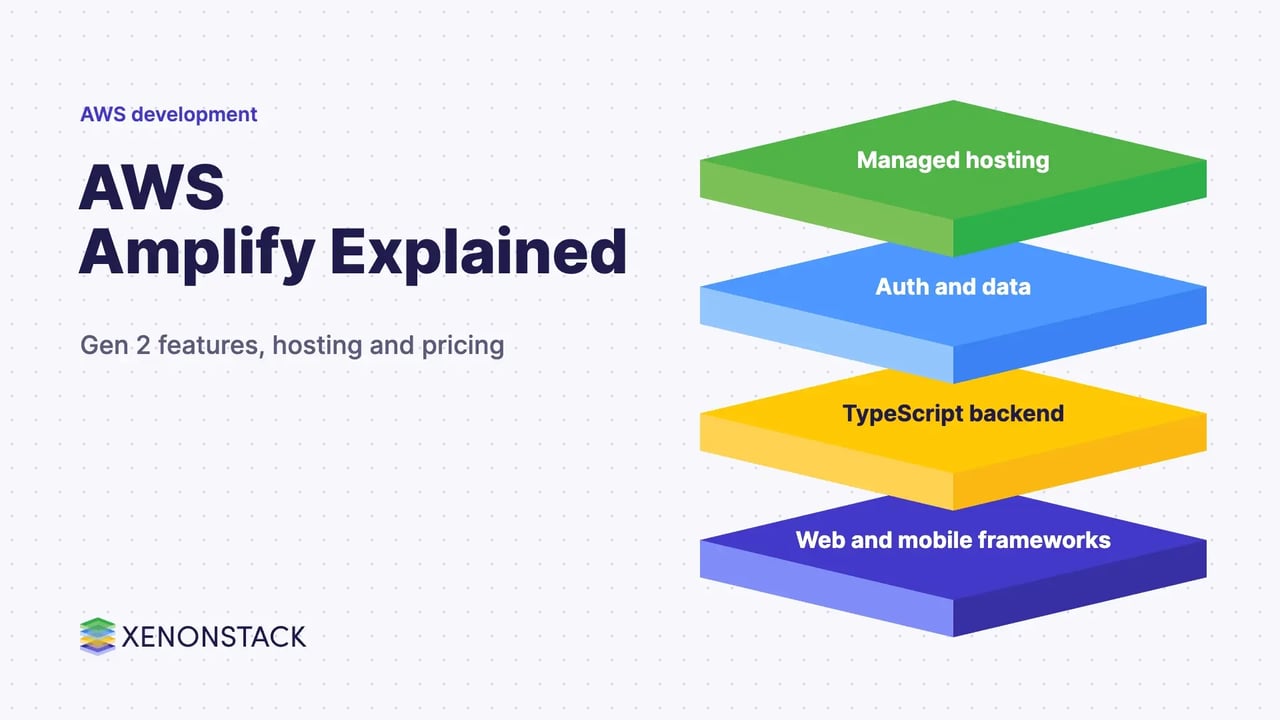
- AWS Amplify builds full-stack web and mobile apps on AWS. See what Gen 2 changed, the main features, hosting prices and where AI agents fit.
AWS Amplify is a set of tools and services from Amazon Web Services for building full-stack web and mobile apps and deploying them with managed hosting or into your own AWS account. The Amplify documentation describes it as everything you need to build web and mobile apps, easy to start and easy to scale.
This guide is for developers and architects choosing a backend and hosting path for a React, Angular, Vue or mobile app. It explains the current Amplify model, how the main features map to AWS services, what the hosting prices are, and what has changed since earlier versions. It sits beside our guides on building serverless applications on AWS and AWS security services.
What is AWS Amplify and what has changed?
Amplify now has two generations. The current documentation is for Gen 2, and it links to a separate legacy Gen 1 documentation site and a migration guide for Gen 1 customers. Gen 2 is code-first: you define the backend in TypeScript, for example with defineBackend in amplify/backend.ts. Many older tutorials describe the Gen 1 CLI workflow, so check which generation any tutorial uses before you follow it.
The documentation lists support for React, Next.js, Angular, Vue, JavaScript, React Native, Flutter, Android and Swift.
| Question | Gen 1 (legacy) | Gen 2 (current) |
|---|---|---|
| How is the backend defined? | Through the Amplify CLI workflow | In TypeScript code, in your repository |
| Where are the docs? | A separate legacy documentation site | docs.amplify.aws |
| What if you are on Gen 1? | A migration guide is linked from the Gen 2 docs | Not applicable |
What features does AWS Amplify offer?
The Gen 2 documentation lists these capabilities.
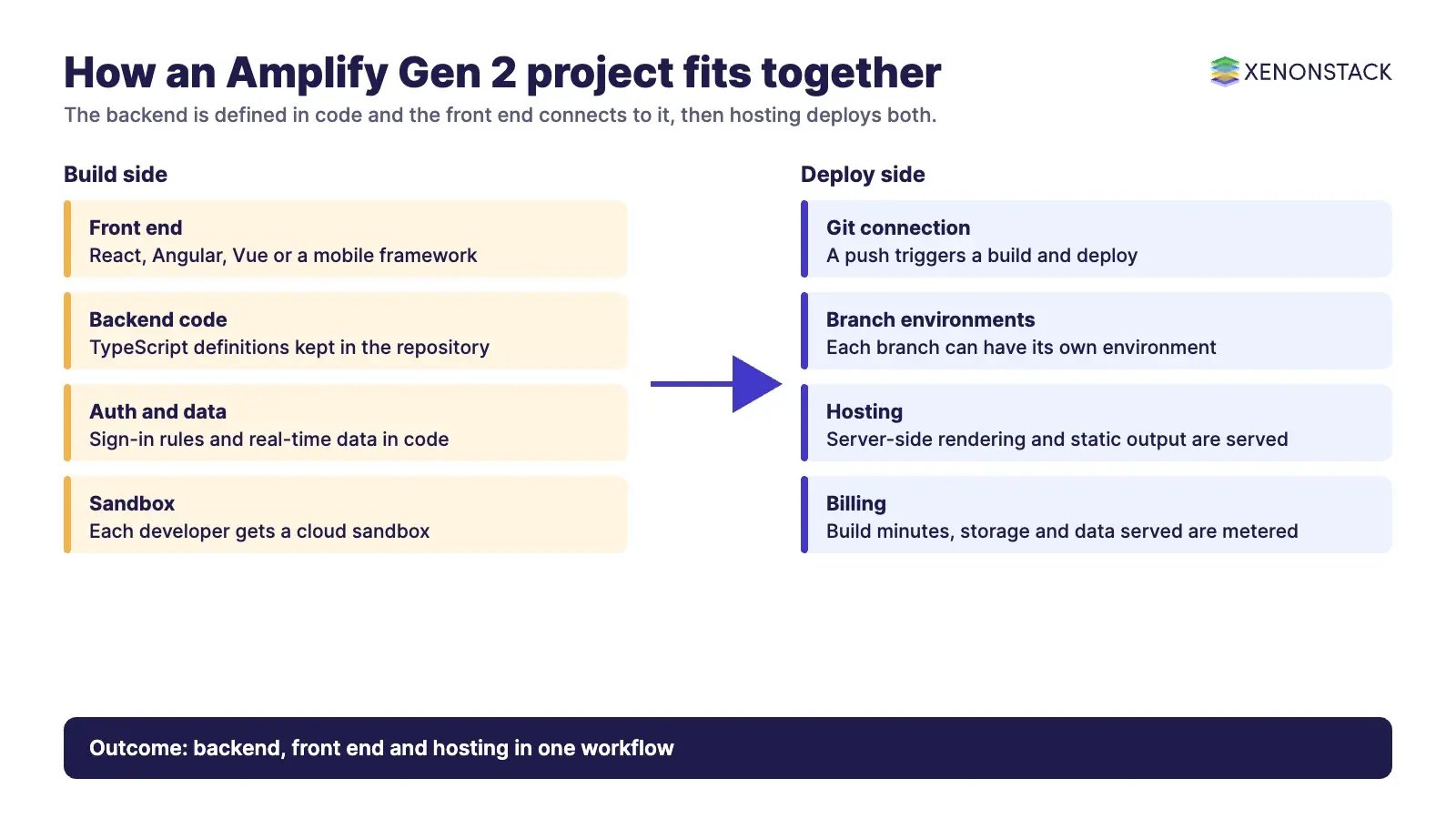
- Auth: choose sign-in methods such as passwords, social login or email links, and control data access by user and group.
- Data: write TypeScript for real-time backend updates without managing WebSockets yourself.
- Hosting: Git-connected deploys with server-side rendering, static generation and incremental static regeneration, per-developer cloud sandboxes and branch-based environments.
- UI: auto-generated create, read, update and delete forms wired to your data model.
- Extensibility: extend the backend with the AWS Cloud Development Kit to reach more than 200 AWS services, as the documentation states.
Features that older Gen 1 articles highlighted, such as DataStore for offline sync, PubSub and push notifications through other AWS services, are not described on the Gen 2 landing page. Confirm each one in the documentation for your generation before you design around it. For data pipelines that feed an app, see data integration tools and the AWS data catalog overview.
How much does AWS Amplify Hosting cost?
The AWS Amplify pricing page lists the following hosting items at the time of reading. Prices change, so use the page as the authority.
| Item | Monthly free allowance | Price beyond the allowance |
|---|---|---|
| Build minutes, standard instance | First 1,000 minutes | $0.01 per minute |
| CDN data storage | First 5 GB | $0.023 per GB per month |
| Data served | First 15 GB | $0.15 per GB served |
| Server-side rendering requests | First 500,000 requests | $0.30 per million requests |
| Server-side rendering duration | First 100 GB-hours | $0.20 per GB-hour |
The page also lists larger build instances at higher per-minute rates, and a web application firewall option at $15 per month per app plus separate firewall charges. The free allowances shown sit under an AWS Free Tier column that the page labels as free for 12 months, while the other column reads pay for what you use. The page adds that new AWS customers can receive Free Tier credits, so check your own account terms.
How do you choose between Amplify and other options?
Amplify suits teams that want the backend, hosting and front-end connection in one workflow on AWS. It is less suited to teams that need a design that does not use AWS services or that want to manage every infrastructure choice themselves. Because Gen 2 uses the Cloud Development Kit, you can extend it, but that also means your team owns what it adds. Front-end quality still matters: audit pages with the Google Lighthouse tool. For model-driven features in an app, compare managed platforms in machine learning platforms.
How do AI agents change app development on AWS Amplify?
AI agents can write backend definitions, generate tests and review pull requests for an Amplify project. Because Gen 2 keeps the backend in code, an agent's change is a code change you can review, branch and roll back. Auth rules and data access still need human approval, since an agent that widens access widens exposure. Teams use ElixirClaw, the AI agents computing platform, to run and govern agent workflows like these.
What should you do first?
- Confirm whether your project is on Gen 1 or Gen 2, and read the migration guide if it is Gen 1.
- Define auth and data access rules before building screens.
- Use a branch-based environment for each feature.
- Estimate hosting cost from the current pricing page and your expected traffic.
- Decide which agent changes need human review before merge.
To map one decision your agents make, and the data and policy it depends on, book a Context Workshop. See what happens in the workshop.
Frequently asked questions
What is AWS Amplify used for?
It is used to build full-stack web and mobile apps, with backend tooling for features such as auth and data and managed hosting for deployment.
What is the difference between Amplify Gen 1 and Gen 2?
The current documentation is for Gen 2, which is code-first with the backend defined in TypeScript. Gen 1 is labelled legacy and has its own documentation site and a migration guide.
Which frameworks does AWS Amplify support?
The documentation lists React, Next.js, Angular, Vue, JavaScript, React Native, Flutter, Android and Swift.
How much does Amplify Hosting cost per build minute?
The AWS pricing page lists $0.01 per build minute on the standard instance after the first 1,000 free minutes each month. Check the page for current prices.
Does Amplify Hosting support server-side rendering?
Yes. The documentation lists Git-connected deploys with server-side rendering, static generation and incremental static regeneration.
Ready to put AI agents to work? See an ElixirClaw demo: the agentic OS to build, orchestrate and govern AI agents across your enterprise systems.
Explore the XenonStack platform family: ElixirData · ElixirClaw · ElixirHub · NexaStack · MetaSecure · Neural AI · AgentGRC · AgentSRE · AgentAnalyst · AgentInstruct · AgentRAI · AgentScrum · AgentSearch · AgentForce · AI Aviator · SAIF Aviator · CohortIQ · XenonStack AI · XenonStack UAE