Key takeaway
- DevOps on Google Cloud links source, build, deploy and monitoring on managed services. See current tools, pipeline stages and what has been retired.
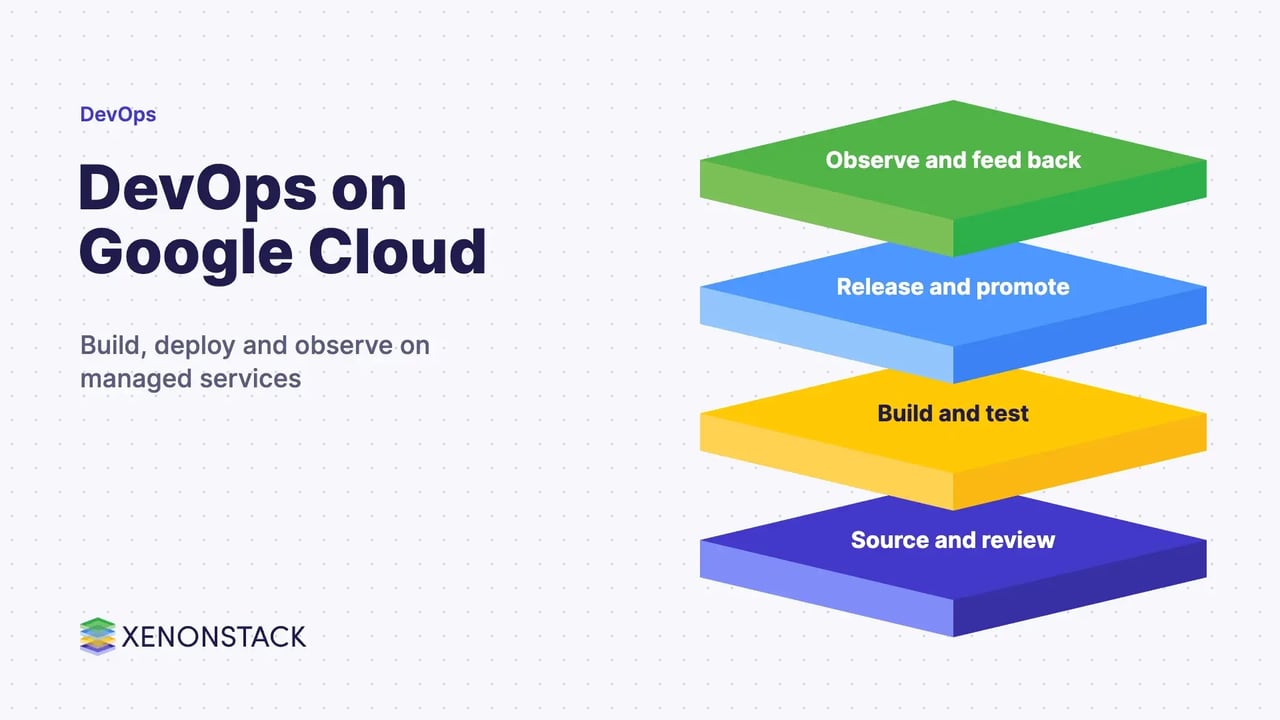
DevOps on Google Cloud is the practice of building, testing, releasing and monitoring software on Google Cloud's managed services, so that development and operations share one automated delivery path. The aim is to ship changes faster and more reliably, with the same pipeline for every release.
This guide is for engineering leads and platform teams choosing how to run DevOps processes on Google Cloud. It covers the current tool set, a stage-by-stage pipeline, infrastructure as code, the practices that matter, and what to do first. Several tools older guides name have been renamed or retired, and this one says which.
What does DevOps on Google Cloud involve?
Google Cloud supplies compute, storage, data, networking and machine learning services, plus managed services for the delivery pipeline itself. A team connects them so that a commit triggers a build, tests run automatically, a release moves through environments, and monitoring feeds results back. In a continuous delivery world, new versions arrive often, which is why a repeatable CI/CD framework sits at the centre. For a view of strategy, see the best DevOps implementation strategy.
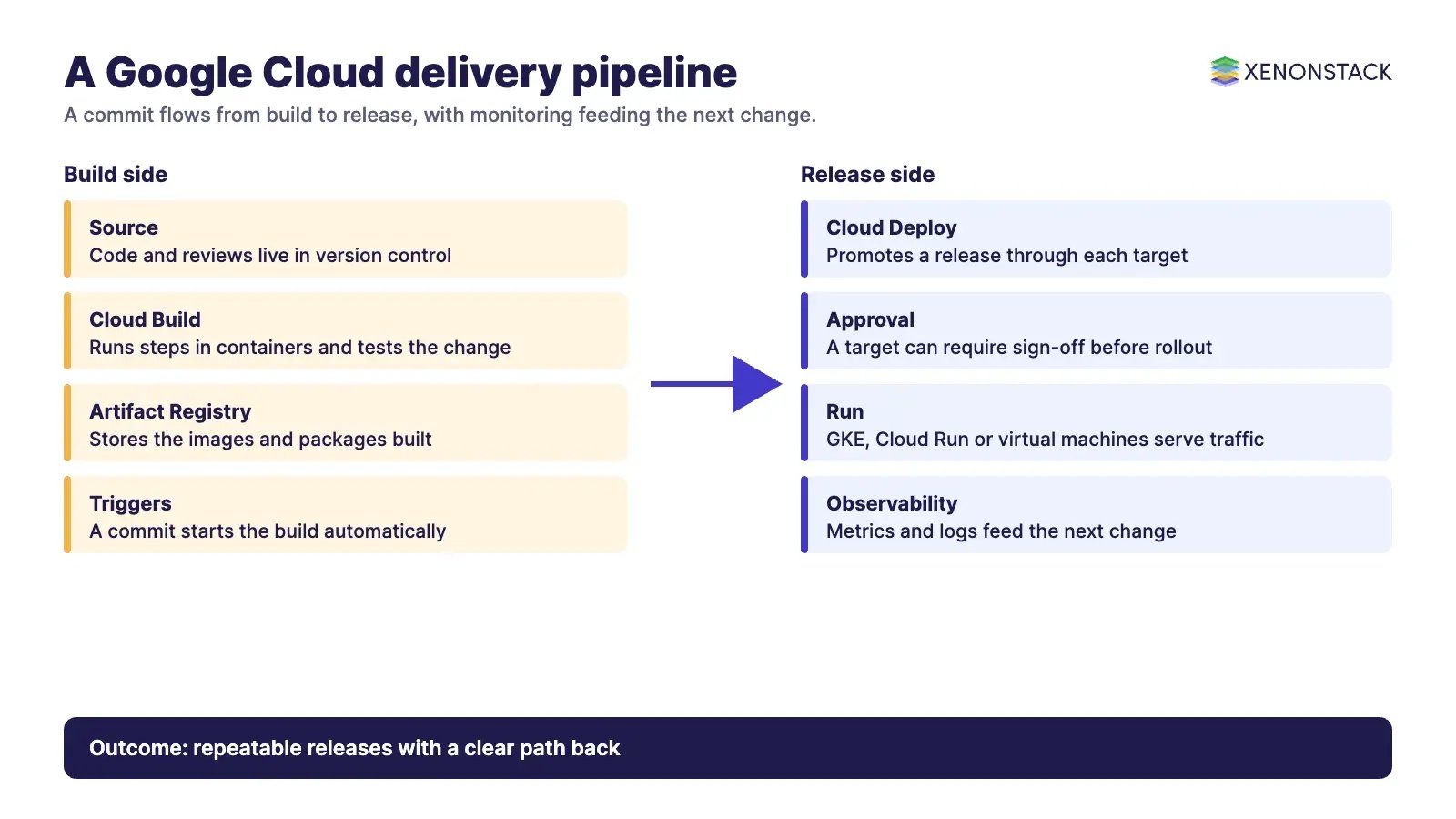
The managed services mean there are no build servers to patch. Each service can be driven from the command line or an API, which makes the whole pipeline scriptable and reviewable.
Which Google Cloud tools cover each pipeline stage?
Cloud Build is a service that executes your builds on Google Cloud. Builds are defined in a config file and run as steps, each in its own Docker container. They can fetch dependencies, run unit tests, static analysis and integration tests, and build artefacts with tools such as Docker, Gradle, Maven and Bazel. Builds can start manually or from triggers, and artefacts can be pushed to Artifact Registry. The page also says Cloud Build can generate build provenance for container images and meets the requirements of SLSA level 3.
Cloud Deploy is a managed service that automates delivery to a series of target environments. Its targets are GKE clusters, Cloud Run services or jobs, or GKE attached clusters. Promoting a release deploys it to the next target in the sequence, a target can require approval, and a rollback redeploys the last successfully deployed release.
| Stage | What happens | Google Cloud service |
|---|---|---|
| Source | Code and reviews live in a repository | Your Git host, imported by Cloud Build triggers |
| Build and test | Compile, unit test, static analysis, package | Cloud Build |
| Store | Keep container images and packages | Artifact Registry |
| Release | Promote through test, staging and production | Cloud Deploy |
| Run | Containers, serverless or virtual machines | GKE, Cloud Run, Compute Engine |
| Observe | Metrics, logs and alerts feed back to the team | Google Cloud Observability |
Which older tool names are out of date?
Some names in older guides no longer apply. Stackdriver is now part of Google Cloud Observability: the Observability in Google Cloud documentation still sits under a stackdriver path but is titled Observability, with Cloud Monitoring listed as its own product. Names such as CodePipeline, CodeBuild, CodeDeploy, CodeStar and Elastic Container Service belong to another provider, so the Google Cloud equivalents are Cloud Build, Cloud Deploy and GKE or Cloud Run. Check any older tutorial against current documentation before you follow it.
How do you manage infrastructure as code on Google Cloud?
Provisioning infrastructure from templates keeps environments consistent and lets you review changes like code. Configuration management, policy as code and private Git hosting all follow from that. One tool has changed: Google's Cloud Deployment Manager deprecation page says the service reached end of support in spring 2026 (the page gives 31 March in its banner and 1 April in its body), that new users are blocked from 30 June 2026, and that the service is unavailable after 30 June 2027. It recommends migrating to Infrastructure Manager, which uses Terraform, and points to a tool for converting existing configurations.
Terraform, Ansible, Chef, Puppet and Packer remain common choices, and our guide to GCP for infrastructure as code compares them.
What are the best practices for DevOps on Google Cloud?
Practices matter more than any one tool. The DORA guide to software delivery metrics defines five measures in two groups. Throughput covers change lead time, deployment frequency and failed deployment recovery time. Instability covers change fail rate and deployment rework rate. Track them before and after each change so you know whether the pipeline is helping.
- Automate every release step from build to deployment, and keep the pipeline definition in version control.
- Use managed and serverless services where they fit, so the team focuses on code rather than servers.
- Control access with IAM roles and policies, granting each service only what it needs.
- Add security to the pipeline, as set out in how to adopt security in DevOps.
- Close the loop with monitoring, feature flags and continuous feedback, and work from reliability targets as described in site reliability engineering.
More depth is available in enterprise DevOps best practices and the DevOps checklist. For connected devices, see Google Cloud Platform for IoT.
How do AI agents change DevOps on Google Cloud?
Agents can read build logs, propose fixes, open changes and triage alerts, so the pipeline moves from fixed scripts to steps that reason. That raises the need for clear permissions, review points and an audit trail on each action an agent takes. Teams exploring this can look at ElixirClaw, the AI agents computing platform. Related reading covers continuous intelligence in DevOps, DevOps for machine learning and FinDevOps.
What should you do first?
- Measure the five DORA metrics for one service to set a baseline.
- Put that service's build in Cloud Build and its releases in Cloud Deploy.
- Replace any Deployment Manager or Stackdriver-era setup with current services.
- Define infrastructure in Terraform and review it in Git.
- Add monitoring and an approval step, then repeat for the next service.
Our DevOps consulting services and Google Cloud solutions for reducing operational costs pages explain how we help.
To map one decision your agents make, and the data and policy it depends on, book a Context Workshop. See what happens in the workshop.
Frequently asked questions
What is DevOps on Google Cloud?
It is the practice of building, testing, releasing and monitoring software on Google Cloud's managed services, with one automated delivery path shared by development and operations.
Which Google Cloud services handle CI/CD?
Cloud Build runs builds and tests, Artifact Registry stores artefacts, and Cloud Deploy promotes releases through environments such as GKE and Cloud Run.
Is Cloud Deployment Manager still supported?
No. Google's deprecation page says it reached end of support in spring 2026 and recommends Infrastructure Manager, which uses Terraform.
What happened to Stackdriver?
Its documentation is now titled Observability in Google Cloud, and Cloud Monitoring is listed as its own product within Google Cloud Observability.
How do you measure DevOps performance?
The DORA metrics measure change lead time, deployment frequency, failed deployment recovery time, change fail rate and deployment rework rate.
Ready to put AI agents to work? See an ElixirClaw demo: the agentic OS to build, orchestrate and govern AI agents across your enterprise systems.
Explore the XenonStack platform family: ElixirData · ElixirClaw · ElixirHub · NexaStack · MetaSecure · Neural AI · AgentGRC · AgentSRE · AgentAnalyst · AgentInstruct · AgentRAI · AgentScrum · AgentSearch · AgentForce · AI Aviator · SAIF Aviator · CohortIQ · XenonStack AI · XenonStack UAE