Key takeaway
- Istio service mesh architecture explained: istiod control plane, Envoy sidecars, ambient mode status, security defaults and when a mesh is worth the cost.
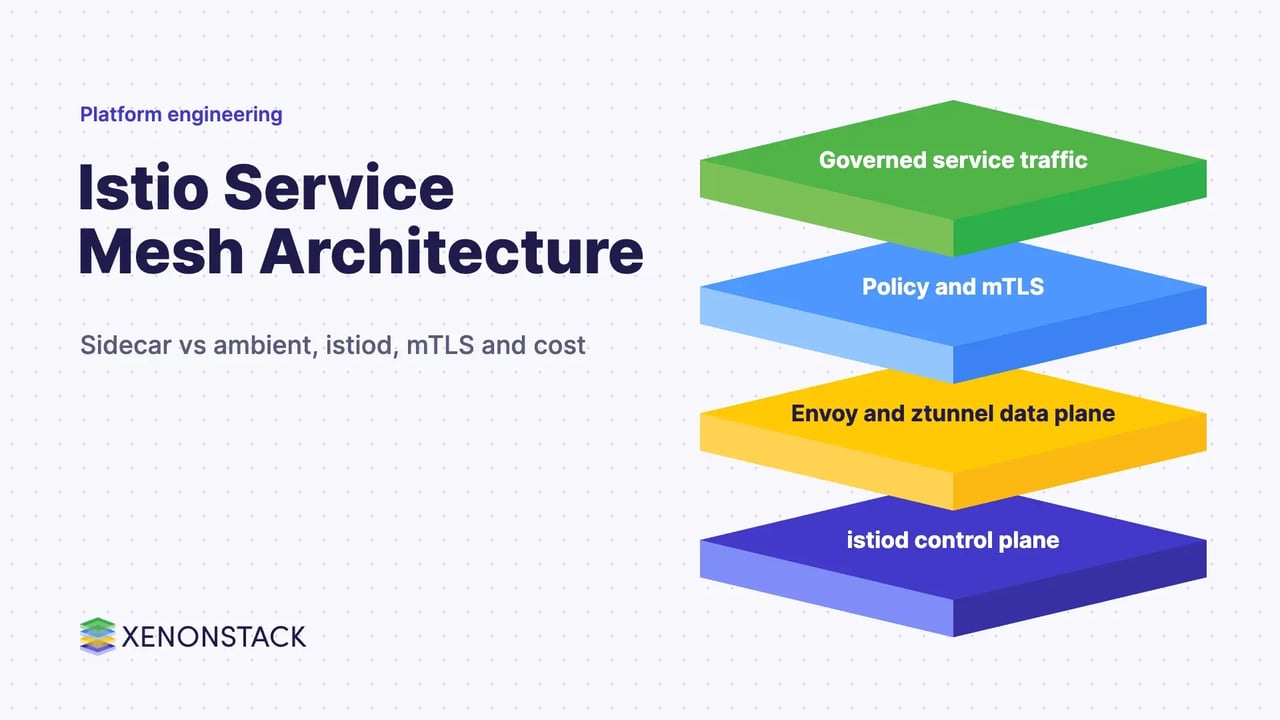
Istio is an open-source service mesh that layers onto existing distributed applications and applies traffic management, security and observability to service-to-service calls without changing application code (Istio docs). Its architecture has a data plane of Envoy proxies that carry the traffic and a control plane, istiod, that configures them and issues the certificates for mutual TLS.
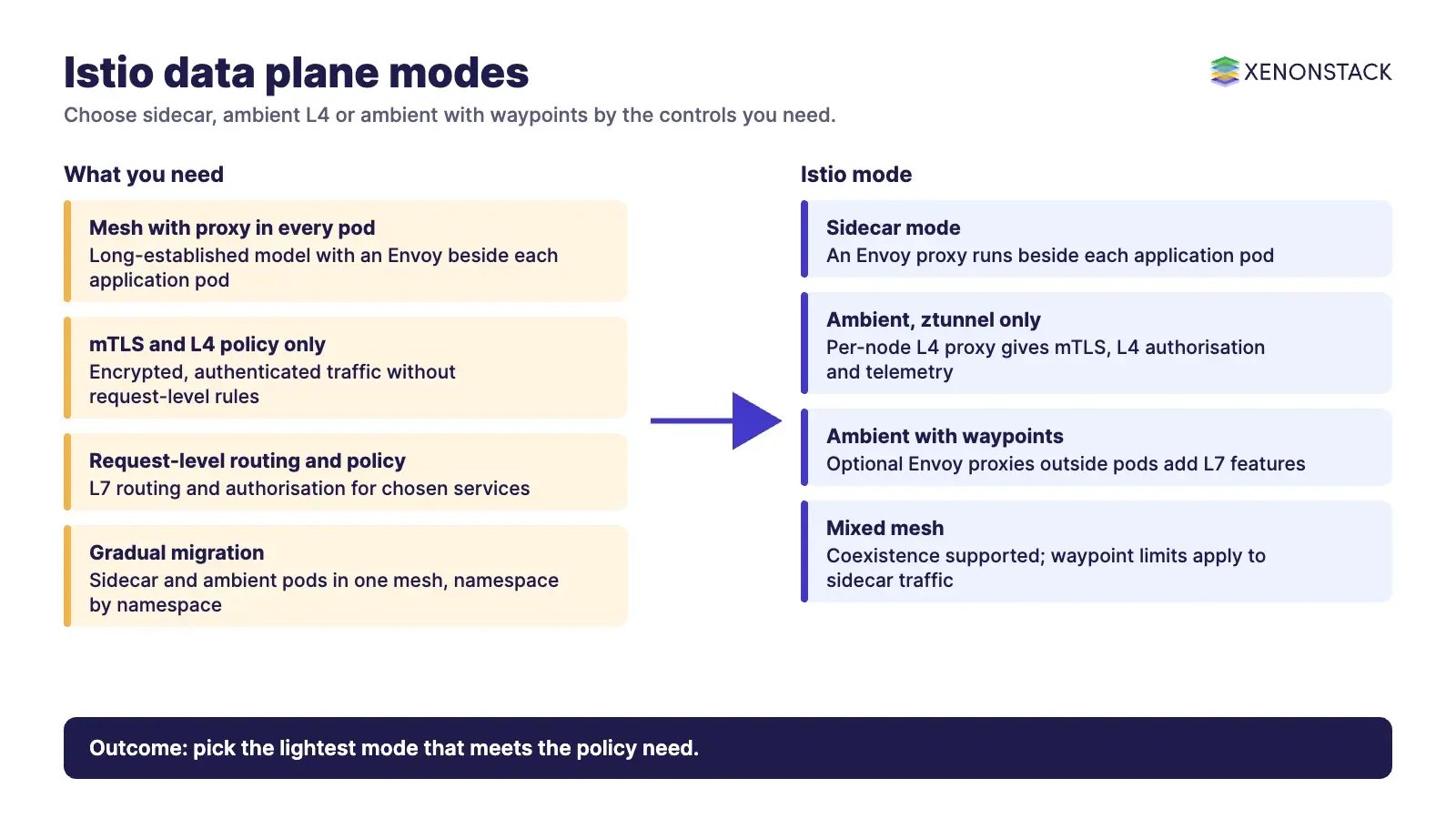
Istio now has two data plane modes: the original sidecar mode, with an Envoy proxy beside every application pod, and ambient mode, which uses a node-level Layer 4 proxy and optional Layer 7 waypoint proxies. This guide explains both, what to switch on first, and when a mesh is not worth the cost. For the wider concept, read our guide to service mesh architecture and best practices.
What is Istio and what problem does it solve?
Istio sits between your services and the network. According to the Istio docs, it provides automatic load balancing for HTTP, gRPC, WebSocket and TCP traffic, routing rules, retries, failover and fault injection; mutual TLS, service identity and authorisation; and metrics, logs and traces for traffic inside the cluster. The project graduated in the CNCF on 12 July 2023, according to the CNCF project page.
The value for an enterprise is consistency: every team gets the same encryption, identity and telemetry from the platform instead of rebuilding them in each service. The cost is another layer to operate, which is why the decision table below matters.
| Capability | What Istio does (per its docs) | Typical owner |
|---|---|---|
| Traffic management | Load balancing, routing rules, retries, failover, fault injection | Platform and application teams |
| Security | Mutual TLS, service identity, authorisation policy | Security and platform teams |
| Observability | Metrics, logs and traces for mesh traffic, including ingress and egress | SRE and platform teams |
What is the Istio architecture in 2026?
The Istio architecture page describes a data plane and a control plane. The data plane is a set of Envoy proxies that mediate all network communication between services and report telemetry. The control plane manages and configures those proxies. Envoy proxies are the only Istio components that touch data plane traffic.
The control plane is istiod. Per the same page, istiod provides service discovery, configuration and certificate management, converts high-level routing rules into Envoy configuration and pushes it to the proxies at runtime, and acts as the certificate authority that issues mTLS certificates. Older guides describe Mixer, Pilot, Galley and Citadel as separate components; the current architecture page describes istiod as the control plane and does not list them separately, so check the docs for the version you run.
What does Envoy do in the mesh?
Envoy supplies dynamic service discovery, load balancing, TLS termination, HTTP/2 and gRPC proxying, circuit breakers, health checks, staged rollouts, fault injection and rich metrics, according to the Istio docs. Our guide to the Envoy proxy architecture covers it in more depth.
Sidecar or ambient: which Istio data plane mode fits?
Ambient mode reached general availability in Istio 1.24, announced on 7 November 2024, with the ztunnel, waypoints and APIs marked Stable by the Istio technical oversight committee (Istio announcement). The announcement lists multicluster, multi-network and VM support, and full sidecar and ambient interoperability, as planned work rather than part of GA. The current docs are labelled v1.32; confirm the status of any ambient feature on istio.io before you commit, because some related features, such as Lua and WebAssembly waypoint extensions, are still marked alpha.
| Mode | How it works | Fits when | Current status (istio.io) |
|---|---|---|---|
| Sidecar | An Envoy proxy runs beside each application pod | You need the long-established model, or features not yet covered by ambient | Documented in the architecture page as the original data plane mode |
| Ambient, ztunnel only | A per-node Rust proxy gives mTLS, L4 authorisation and telemetry over the HBONE tunnel; no proxy in the pod | You want zero-trust networking with least operational change | GA since Istio 1.24 |
| Ambient with waypoints | Optional Envoy proxies outside application pods add L7 routing and authorisation | You need request-level policy or traffic shifting for chosen services | GA since Istio 1.24; sidecar and gateway traffic does not yet pass through waypoints, per the docs |
Sidecar and ambient pods can coexist in one mesh, so you can move namespace by namespace. In ambient mode a namespace or pod joins the mesh through the label istio.io/dataplane-mode=ambient, and a waypoint is enabled with the istio.io/use-waypoint label, according to the Istio docs.
How does Istio work step by step?
- Install the control plane. Use istioctl or Helm; the Istio docs publish both routes, including for the ambient profile.
- Bring workloads into the mesh. In sidecar mode, label a namespace
istio-injection=enabledand a mutating webhook injects the proxy into new pods; with control plane revisions theistio.io/revlabel does the same. Manual injection usesistioctl kube-inject. Injected pods show 2/2 ready. - Let istiod configure the proxies. It translates your routing and policy resources into proxy configuration and distributes certificates.
- Observe and enforce. Metrics, logs and traces flow from the proxies, and authorisation policy is applied by service identity. Our guide to cloud native observability tools covers what to connect them to.
Version-specific install commands change between releases, so copy them from the Istio setup docs for your version, not from older articles. The sidecar injection rules are in the injection guide.
How should you secure and govern an Istio mesh?
The Istio security best practices are the place to start. Permissive mutual TLS is the default, so plaintext traffic is still accepted; the docs recommend migrating to strict mode when possible. They also recommend writing authorisation policy on a default-deny pattern, preferring ALLOW with positive matching or DENY with negative matching, layering Kubernetes network policies on top, and restricting who can create Gateway resources to trusted cluster administrators. They warn that it is not secure to rely on Istio capturing all traffic unconditionally.
A mesh enforces who may call whom at the network layer. It does not decide whether an AI agent should take a business action. If agents call your services through the mesh, you still need governance of what they are permitted to decide: ElixirData Context OS keeps governed context, versioned policy and decision traces in one decision layer above AI agents, and AgentGRC keeps autonomous agent actions inside policy, with the audit trail risk teams need. For the identity model behind this, see our guide to zero trust security architecture, and for pipeline controls see DevSecOps in CI/CD.
What does Istio cost and when should you not use it?
Sidecars consume resources. The Istio performance page reports that in Istio 1.24, at 1000 HTTP requests per second with 1 KB payloads, a single sidecar proxy with 2 worker threads uses about 0.20 vCPU and 60 MB of memory, and that memory depends on the configuration the proxy holds. Test with your own traffic before you size a cluster.
- Few services, one team: libraries and Kubernetes-native controls may be enough; a mesh adds another system to run.
- No owner for the platform: a mesh needs a team that upgrades it and reads its telemetry.
- Need for features not yet in ambient: check the ambient limitations above before choosing it.
- Edge routing only: if you mainly need a front door, compare with an API gateway first, as in service mesh vs API gateway.
How do you adopt Istio in sequence?
- Run a pilot on a few non-critical services and read the metrics and traces it produces.
- Turn on mTLS in permissive mode, confirm all clients, then move to strict.
- Add default-deny authorisation policy one namespace at a time.
- Use traffic shifting for canary and blue-green releases, and test the result as in microservices testing.
- Decide between sidecar and ambient per namespace, and revisit as ambient features mature. Read how this sits in the Kubernetes architecture.
To run governed agents next to your mesh, ElixirClaw is an agentic OS platform to build, orchestrate and govern AI agents and automation workflows while keeping humans in control.
To map one service-mesh decision your agents should make, and the context and policy it depends on, book a Context Workshop. See what happens in the workshop.
Istio service mesh FAQ
What is the difference between istiod and Envoy?
Envoy is the proxy that handles traffic in the data plane. Istiod is the control plane that configures the proxies and acts as the certificate authority, according to the Istio architecture page.
Is Istio ambient mode generally available?
Yes. Ambient mode reached general availability in Istio 1.24, announced on 7 November 2024. Multicluster, multi-network and VM support were listed as planned work, so confirm current status on istio.io.
Do I need sidecars to use Istio?
No. Ambient mode uses a per-node ztunnel and optional waypoint proxies, so no proxy runs in the application pod. Sidecar and ambient pods can coexist in one mesh.
Is mutual TLS on by default in Istio?
The default is permissive mode, which still accepts plaintext traffic. The Istio security best practices recommend migrating to strict mode when possible.
How much overhead does an Istio sidecar add?
Istio reports about 0.20 vCPU and 60 MB of memory for one sidecar with 2 worker threads at 1000 requests per second with 1 KB payloads in Istio 1.24. Memory depends on configuration size, so measure your own workload.
- Explore here about Microservices for Java and Golang
- Read more about Data Mesh and its Benefits
Explore the XenonStack platform family: ElixirData · ElixirClaw · ElixirHub · NexaStack · MetaSecure · Neural AI · AgentGRC · AgentSRE · AgentAnalyst · AgentInstruct · AgentRAI · AgentScrum · AgentSearch · AgentForce · AI Aviator · SAIF Aviator · CohortIQ · XenonStack AI · XenonStack UAE