Key takeaway
- A DevSecOps pipeline adds security checks to every CI/CD stage. See the stages, SAST versus DAST, false-positive handling and where AI agents fit.
A DevSecOps pipeline is a CI/CD pipeline with automated security checks built into each stage, so that vulnerabilities are found while code is being written and built instead of just before release. It applies the DevSecOps idea of shared responsibility for security to the practical path code takes from commit to production.
This guide is for engineering leads, DevOps and security teams who want to add security to an existing pipeline. It explains the stages, what each check does, how static and dynamic testing differ, how to handle false positives, and how AI agents fit in. For the wider philosophy and tool landscape, see DevSecOps framework and tools.
What is a DevSecOps pipeline?
The OWASP Developer Guide says DevSecOps "seeks to add steps into the existing CI/CD pipelines to build security into the development and release process". The NIST SP 800-218 (Secure Software Development Framework, February 2022) explains why this is needed: "Few software development life cycle (SDLC) models explicitly address software security in detail", so security practices must be added to the model a team already uses.
A pipeline is the automated sequence behind continuous integration and delivery. Developers merge changes to a shared repository, and a CI/CD server builds, tests and prepares each change. DevSecOps adds security tasks to that same sequence, so they run every time and do not depend on someone remembering to ask.
What are the stages of a DevSecOps pipeline?
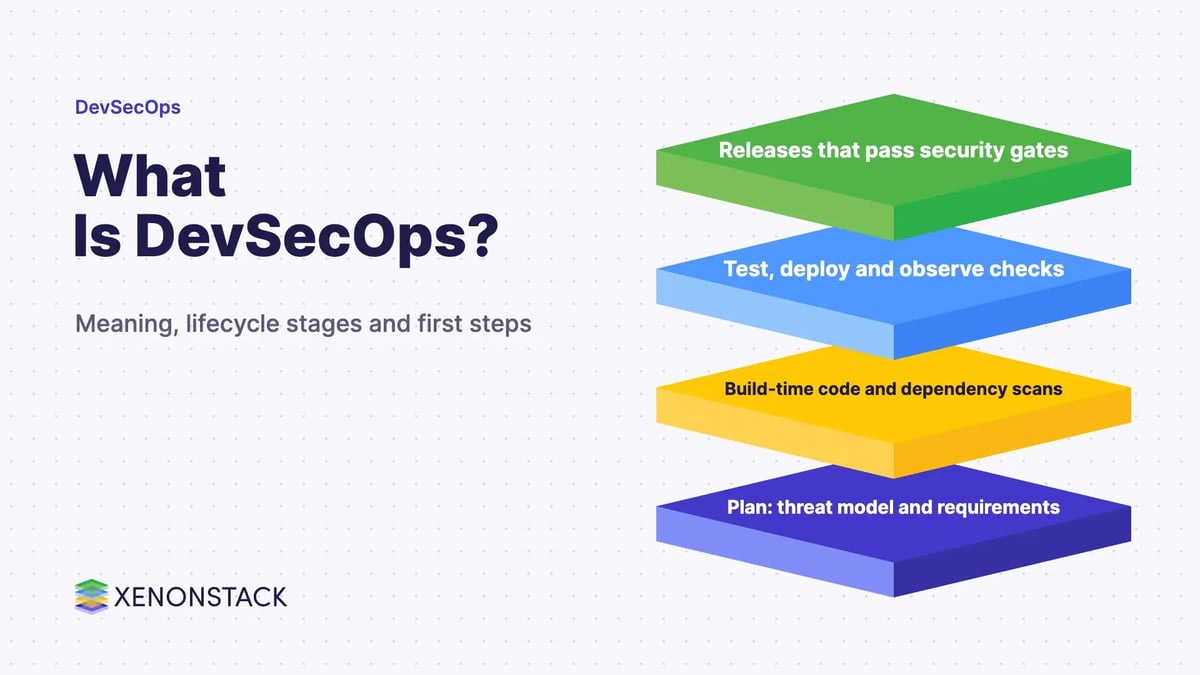
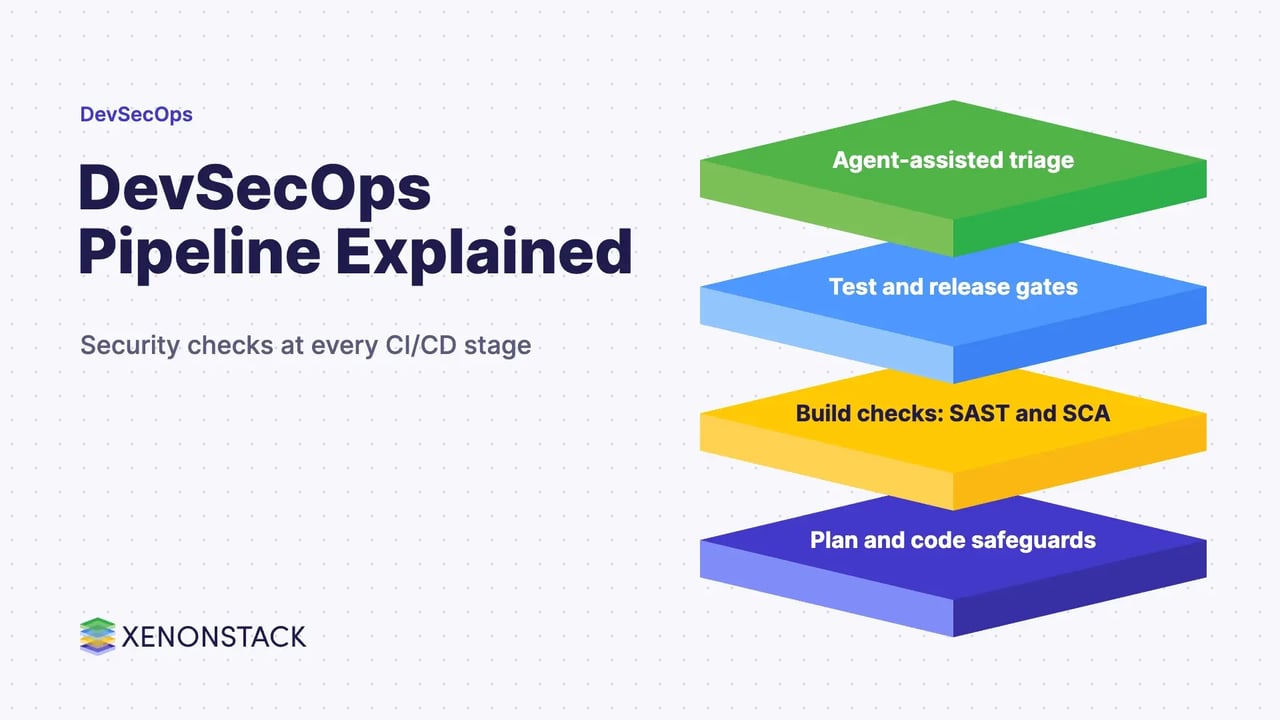
A typical pipeline moves through plan, code, build, test, release and deploy. Security work attaches to each stage.
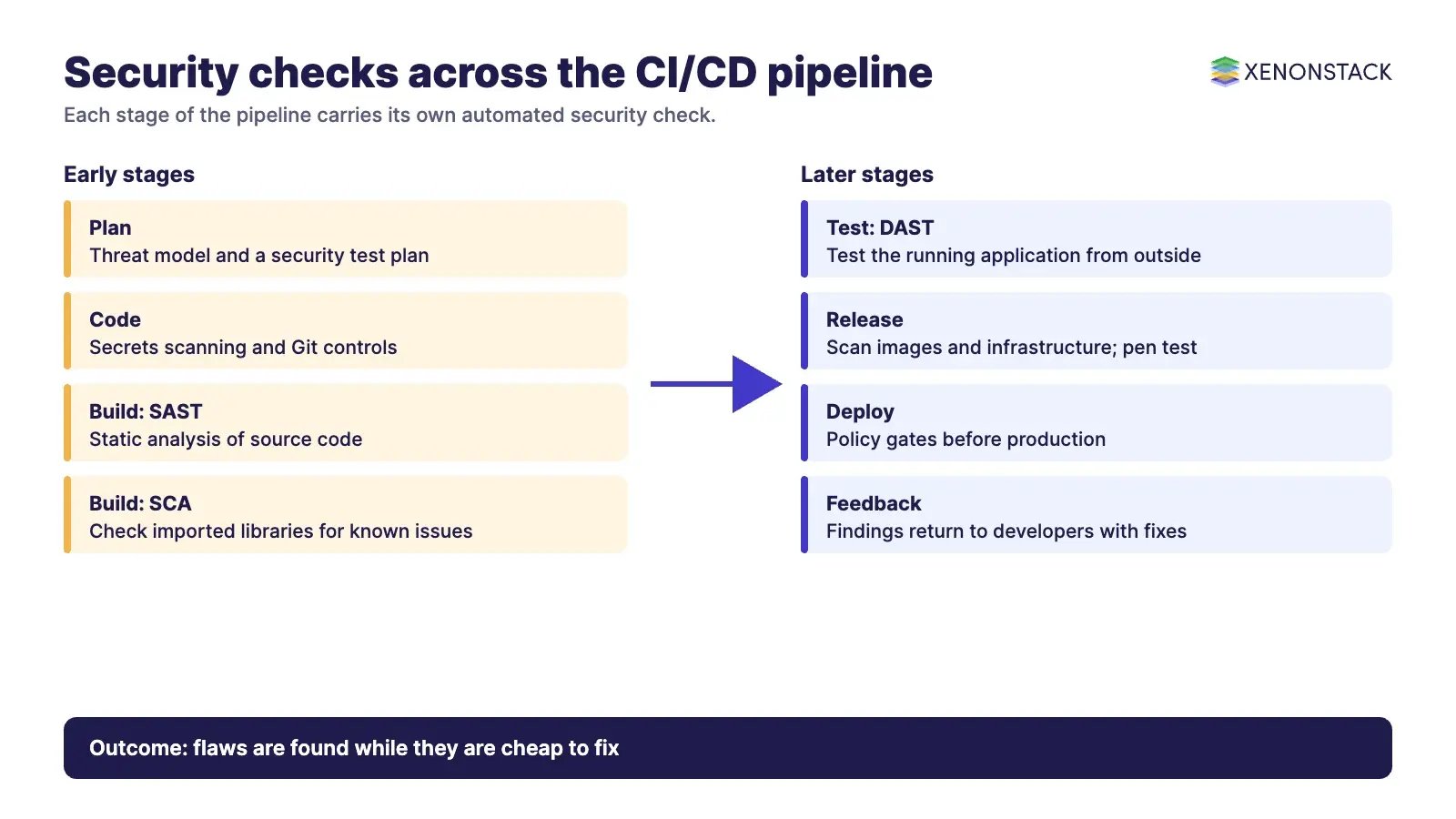
| Stage | Security activity | Typical check |
|---|---|---|
| Plan | Decide what could go wrong and where, how and when testing will happen | Threat modelling and a security test plan |
| Code | Stop secrets and obvious flaws reaching the repository | Linting, secrets scanning and Git controls for passwords and API keys |
| Build | Find flaws in source code and in imported libraries | Static analysis (SAST) and software composition analysis (SCA) |
| Test | Test the running application the way an attacker would | Dynamic analysis (DAST) for authentication, authorisation, injection and API endpoint errors |
| Release | Check the release candidate before it ships | Vulnerability scanning of images and infrastructure, and penetration testing where needed |
| Deploy | Ship only builds and infrastructure that passed the earlier gates | Policy gates and runtime monitoring |
The OWASP Developer Guide names the same families of checks in its pipeline guidance: SAST, DAST, SCA, secrets management, container vulnerability scanning and infrastructure vulnerability scanning. The OWASP DevSecOps Guideline states the aim as detecting security issues "as fast as possible", and recommends a central vulnerability management solution for a single view of application security.
How do SAST and DAST differ?
The two techniques find different problems and work best together.
| Aspect | SAST (static) | DAST (dynamic) |
|---|---|---|
| What it examines | Source code and dependencies, without running the application | The running application, from the outside |
| Where it fits | Early, at commit or build time | Later, against a test or staging environment |
| Language dependence | Tools are specific to a programming language, so choose one that matches your stack | Largely independent of language, because it interacts with the application from outside |
| Typical finding | Insecure code patterns, vulnerable libraries, exposed secrets | Authentication and authorisation errors, injection and API endpoint problems |
| Main caution | Can report false positives | Needs a running, representative environment |
Using both gives early feedback while code is cheap to change and a later check on how the assembled system behaves.
How do you introduce continuous security without slowing the team?
- Start with security unit tests and fast checks, such as secrets scanning, that give an answer in the developer’s own workflow.
- Plan for false positives. Record a justified dismissal so the pipeline remembers it, because a team that stops trusting alerts stops responding to a broken build.
- Make findings fixable. Detecting a vulnerability is half the job; the team also needs clear guidance and time to fix it.
- Introduce gates in stages: report first, then fail the build on the highest severity, then tighten.
- Give auditors and security staff a shared view of results, so security review becomes part of the pipeline rather than a late hand-off.
Pipeline checks matter most in architectures with many independent services; our guide to DevSecOps for microservices, the article on DevSecOps tools and continuous security and the overview of the DevSecOps pipeline cover tooling and architecture in more depth.
How do AI agents change the DevSecOps pipeline?
Agents change the pipeline in two ways. They can work inside it, and they can produce what flows through it.
- Triage: an agent can group scanner findings, link them to the changed code and draft a fix for a developer to review, which helps when false positives drain attention.
- Context: an agent can gather ownership, deployment and dependency information so that a finding reaches the right team with the right detail.
- Generated code: code written with AI assistance should pass the same SAST, SCA and secrets checks as any other change.
- Agent actions: an agent that changes configuration or blocks a release needs scoped permissions, an approval rule for risky steps and a full log of what it did.
The ElixirClaw AI agents computing platform is XenonStack’s platform for building and running agents for DevOps and automation work.
What should you do first?
- Map your current pipeline stages and mark where no security check exists today.
- Add secrets scanning and dependency checks, which are fast to run and easy to explain.
- Add SAST at build and DAST against a staging environment, and agree how false positives are recorded.
- Set a severity threshold that fails the build, and review it every quarter.
- Decide which pipeline tasks an agent may perform, and which need a person to approve.
To map one decision your agents make in the pipeline, and the data and policy it depends on, book a Context Workshop. See what happens in the workshop.
Frequently asked questions
What is a DevSecOps pipeline?
A DevSecOps pipeline is a CI/CD pipeline with automated security checks built into each stage, so that vulnerabilities are found while code is written and built instead of just before release.
What are the stages of a DevSecOps pipeline?
Plan, code, build, test, release and deploy, with a security activity at each stage such as threat modelling, secrets scanning, SAST, DAST and release checks.
What is the difference between SAST and DAST?
SAST examines source code and dependencies without running the application, and DAST tests the running application from outside. They find different problems, so teams use both.
How do you handle false positives in security scanning?
Record a justified dismissal so the pipeline remembers it, tune the tool, and keep alerts trustworthy so the team keeps responding to a broken build.
Where do AI agents fit in a DevSecOps pipeline?
Agents can triage findings, gather context and draft fixes, and the code they help write must pass the same checks. Agent actions need scoped permissions, approval rules and logs.
Ready to put AI agents to work? See an ElixirClaw demo: the agentic OS to build, orchestrate and govern AI agents across your enterprise systems.
Explore the XenonStack platform family: ElixirData · ElixirClaw · ElixirHub · NexaStack · MetaSecure · Neural AI · AgentGRC · AgentSRE · AgentAnalyst · AgentInstruct · AgentRAI · AgentScrum · AgentSearch · AgentForce · AI Aviator · SAIF Aviator · CohortIQ · XenonStack AI · XenonStack UAE