Key takeaway
- DevSecOps in CI/CD explained: where secret scanning, SCA, SAST and DAST sit in the pipeline, how to protect the pipeline, and which standards apply.
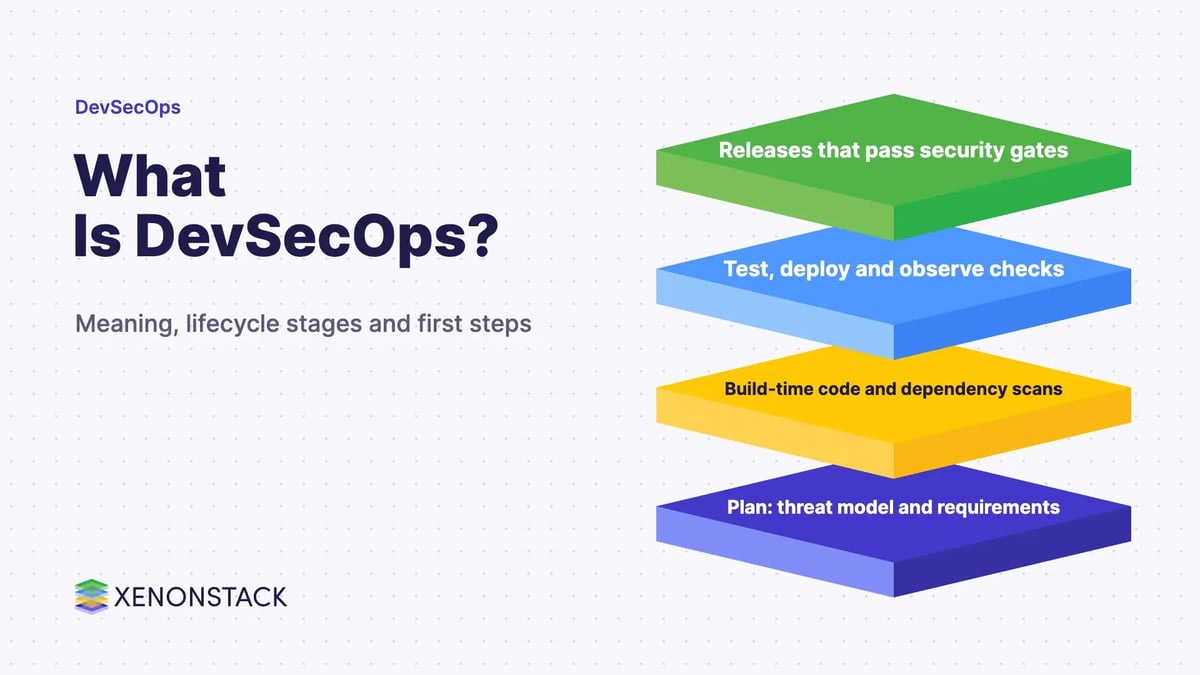
DevSecOps in CI/CD means the continuous integration and continuous delivery pipeline runs security checks on every change, instead of leaving security to a review at the end. Each commit is scanned for leaked secrets, vulnerable libraries and code flaws, the running build is tested from outside, and the pipeline itself is locked down so that nobody can bypass those checks.
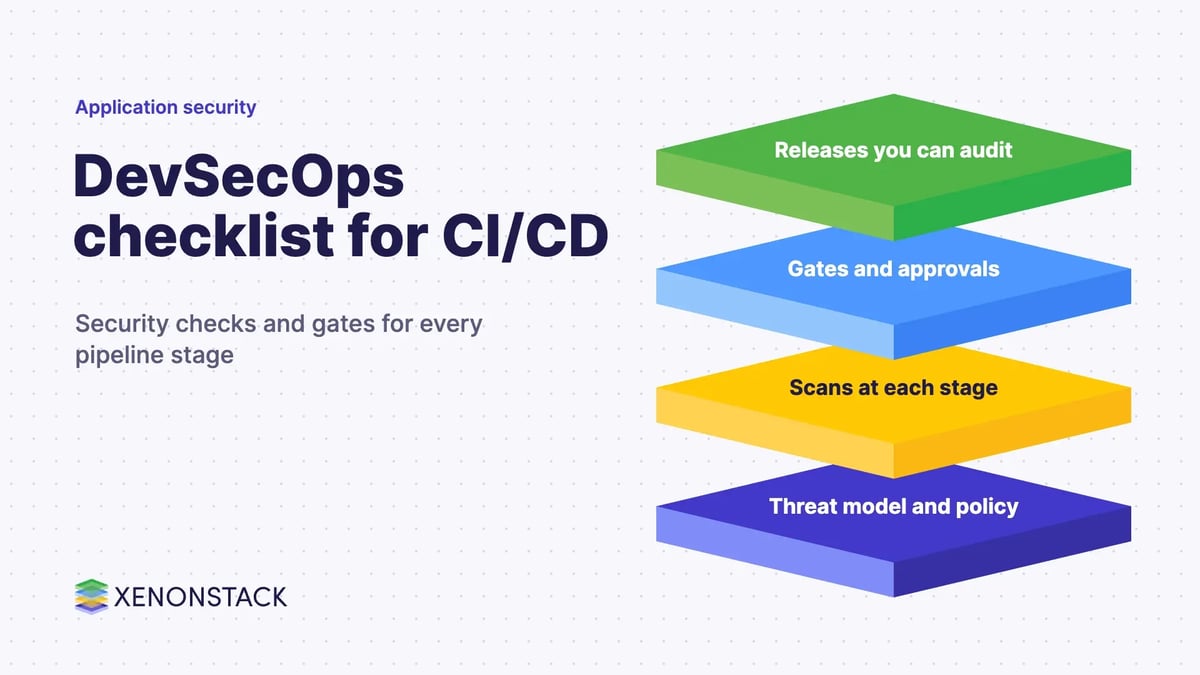
This guide explains where each check sits in the pipeline, how static and dynamic testing differ, how to treat open source libraries, and how to protect the pipeline as an asset. It is the pipeline view of DevSecOps. For a task list per stage read our DevSecOps checklist; for the question of whether security leads or follows delivery read SecDevOps and DevSecOps vs SecDevOps; for the wider practice see continuous security and the DevSecOps framework.
What does DevSecOps add to a CI/CD pipeline?
A CI/CD pipeline already builds, tests and releases code automatically. DevSecOps adds automated security steps to the same flow, so a vulnerability is reported to the developer who introduced it while the change is still small. The OWASP DevSecOps Guideline, an OWASP incubator project, states the aim as detecting security issues, whether design flaws or application vulnerabilities, as early and as cheaply as possible, and continuing to do so continuously.
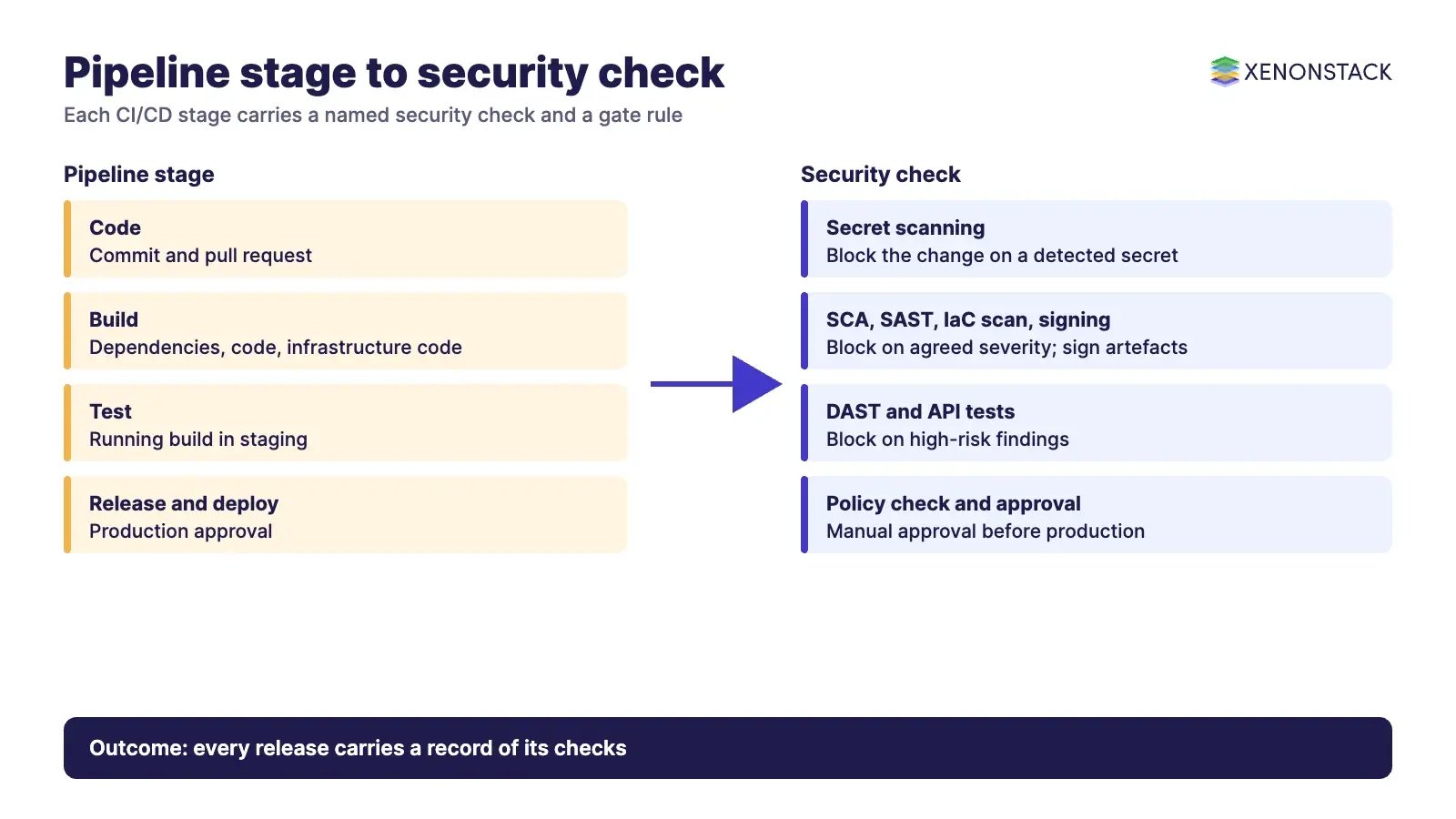
The pipeline stages are the ones you already run (plan, code, build, test, release, deploy). If you need the delivery side first, see our CI/CD pipeline guide and the continuous delivery pipeline post. What changes is that each stage gains a named security check and an agreed rule for what blocks a release.
Where does each security check sit in the pipeline?
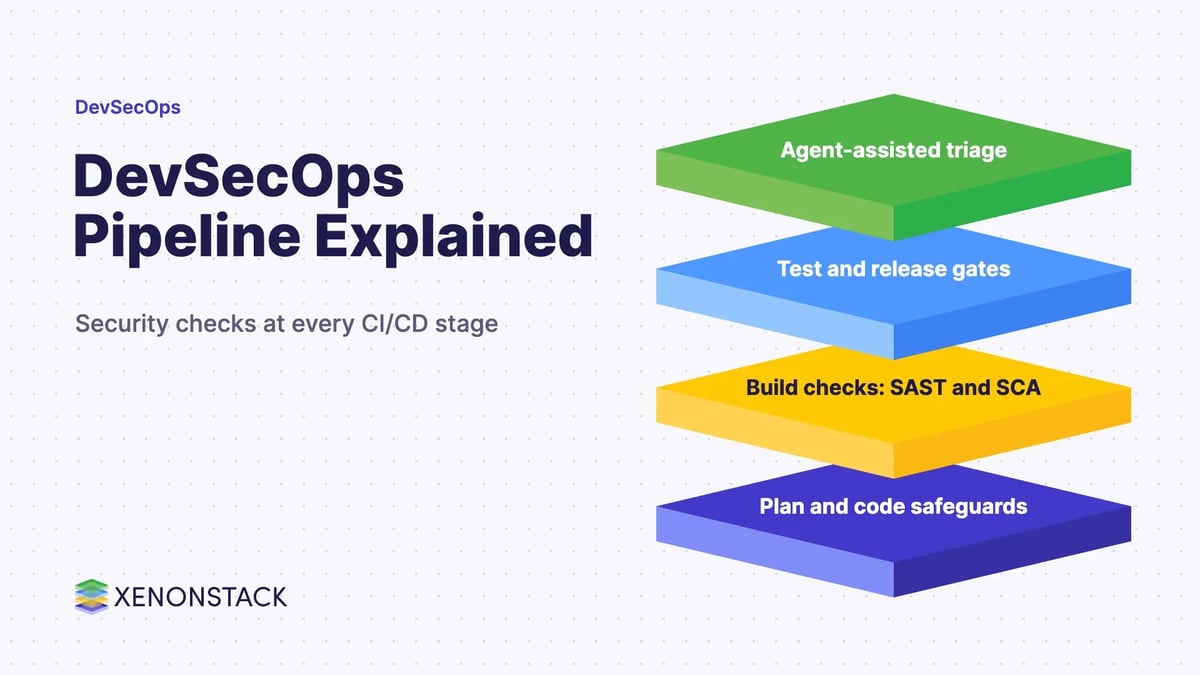
The OWASP guideline lists the activities a basic pipeline can include and says to treat them as a starting point to customise and extend over time. The placement below is XenonStack guidance built on that list, not a standard.
| Stage | Check | What it catches | Suggested gate |
|---|---|---|---|
| Plan | Threat modelling, security requirements | Design flaws before code exists | Risks recorded and owned |
| Code | Secret scanning of the repository, linting | Leaked passwords and API keys | Block the commit or pull request on a detected secret |
| Build | SCA (software composition analysis), SAST, IaC scanning | Known vulnerable libraries, code flaws, misconfigured infrastructure code | Block on the severities you have agreed |
| Build output | SBOM, artefact signing, provenance | Tampered or unknown artefacts | Unsigned artefacts do not deploy |
| Test | DAST, API security tests, IAST where used | Flaws visible only in a running application | Block on high-risk findings |
| Release and deploy | Compliance and policy checks, approval for production | Policy violations, unreviewed changes | Manual approval for production |
| Run | Continuous scanning and monitoring | New vulnerabilities in deployed software | Open work items and update the threat model |
How do SAST and DAST differ inside a pipeline?
SAST (static application security testing) reads source code without running it. DAST (dynamic application security testing) attacks a running application from outside, as an attacker would. Use both, because they find different problems and run at different points.
| Aspect | SAST | DAST |
|---|---|---|
| Needs | Source code, language-aware scanner | A deployed test or staging build |
| Runs | Early, on commit or pull request | After deployment to a test environment |
| Typical findings | Insecure code patterns in your own code | Authentication, authorisation, injection and API endpoint issues seen at runtime |
| Main trade-off | False positives; language support varies by tool | Slower; needs a stable environment and test accounts |
As an example of how SAST is wired in, GitLab's documentation says SAST scans source code for vulnerabilities before it reaches production and runs automatically in the CI/CD pipeline, usually on each commit. According to its docs, it is enabled by adding the SAST template to .gitlab-ci.yml, it needs a test stage, and by default it runs only in branch pipelines, so running it in merge request pipelines needs separate configuration (see GitLab SAST documentation). Other platforms offer equivalents; confirm details on your vendor's page.
False positives deserve a plan. If developers learn to ignore a failing security job, the control is worthless. Record each reviewed false positive with its justification so the pipeline remembers it, and tune the gate rather than switching the scanner off.
How do you manage open source library risk?
Most of the code in a modern application is imported, so the libraries need the same scrutiny as your own code. Software composition analysis (SCA) compares your dependencies with known vulnerabilities; the OWASP guideline lists SCA among the core pipeline activities. The OWASP CI/CD Security Cheat Sheet adds practical controls for third-party code: pin versions and verify package hashes with lockfiles and enforce them, prefer private repositories and a single private feed, and use scoped packages or ID prefixes to reduce dependency confusion.
For provenance, SLSA (Supply-chain Levels for Software Artifacts) is a framework of incrementally adoptable guidelines for software supply chain security. Its documentation shows v1.2 as current, with a Build Track of Levels 1 to 3; higher levels give stronger guarantees at higher implementation cost. Pair it with an SBOM and signed artefacts as the OWASP guideline describes.
How do you protect the pipeline itself?
The pipeline holds credentials and can deploy to production, so an attacker who controls it controls your releases. The OWASP CI/CD Security Cheat Sheet groups its advice under secure configuration, identity and access management, third-party code, integrity assurance, and visibility and monitoring.
| Control | What the cheat sheet recommends |
|---|---|
| Source control | Protected branches, pull request review that cannot be bypassed, signed commits, MFA, no auto-merge rules |
| Secrets | Never hard-code secrets in repositories or CI configuration; detect leaks with tools such as gitleaks; use a secrets manager and temporary credentials |
| Least privilege | Deny by default; grant each pipeline only what it needs; limit credential sharing across sensitivity levels; do not run pipeline accounts as root |
| Pipeline integrity | Isolated build nodes; review or externalise CI configuration; avoid the privileged Docker flag; manual approval before production; code signing such as Sigstore |
| Visibility | Log and monitor pipeline activity so unusual changes are noticed |
Which standards and guidance should you follow?
| Source | What it gives you | Status read on 13 Nov 2026 |
|---|---|---|
| NIST SSDF (SP 800-218) | Secure software development practices in four groups: prepare the organisation, protect the software, produce well-secured software, respond to vulnerabilities | NIST SSDF page lists version 1.1 as final; companion SP 800-218A covers generative AI and dual-use foundation models |
| OWASP DevSecOps Guideline | Pipeline activities from secret scanning to compliance checks | Incubator project |
| OWASP CI/CD Security Cheat Sheet | Controls for the pipeline itself | Current page |
| SLSA | Supply chain levels for build integrity | v1.2 shown as current; v1.0 page marked retired |
The SSDF is outcome-based, so you map it to the pipeline you already run rather than adopting a new process. Confirm the current version on the NIST page before citing it in an audit.
What are the trade-offs, and when should you not add a gate?
Every blocking gate slows a release. Start new scanners in report-only mode, measure noise for a few weeks, then block only on findings you will act on. Do not gate on a tool that your team cannot triage, and do not add a scanner for a language or platform it does not support well. Detecting a vulnerability is half the job: developers also need fix guidance and time, or findings pile up.
There is also an audit angle. DevSecOps can cause friction with auditors if evidence is scattered, so keep scan results, approvals and signed artefact records in a place an auditor can read.
How should a team adopt DevSecOps in CI/CD?
This sequence is XenonStack guidance, not a standard. Adjust it to your risk and team size.
| Step | Action | Result |
|---|---|---|
| 1 | Protect the pipeline: branch protection, secrets manager, least privilege | The pipeline cannot be bypassed or leak credentials |
| 2 | Add secret scanning and SCA in report-only mode | Visibility of leaked secrets and vulnerable libraries |
| 3 | Add SAST and IaC scanning; tune false positives | Code and infrastructure flaws reach developers early |
| 4 | Turn on blocking gates for agreed severities | Releases stop on the risks you chose |
| 5 | Add DAST and API tests against staging | Runtime flaws are found before release |
| 6 | Add SBOM, signing and provenance; review against SLSA and the SSDF | Evidence of what was built and by whom |
How does this post relate to our other DevSecOps guides?
| Post | Angle |
|---|---|
| This post | How security checks and pipeline protection fit into CI/CD |
| DevSecOps checklist | A task list per stage with owners and pass or fail rules |
| SecDevOps | Security-first delivery and the naming question |
| Continuous security | Security automation across DevOps and microservices |
| DevSecOps pipeline, tools and governance | Tools and governance overview |
| DevSecOps vs SecDevOps | Side-by-side comparison |
Where AI coding agents or other automation act inside the pipeline, their actions need the same control as human commits. ElixirData says its Context OS keeps governed context, versioned policy and decision traces in one decision layer above AI agents, and AgentGRC says it keeps autonomous agent actions inside policy, with the audit trail risk teams need. ElixirClaw describes itself as an agentic OS platform to build, orchestrate and govern AI agents and automation workflows while keeping humans in control (all according to their sites).
To map one pipeline decision your agents should make, such as whether a release may proceed, and the context and policy it depends on, book a Context Workshop. See what happens in the workshop.
FAQs on DevSecOps in CI/CD
What is DevSecOps in CI/CD?
It is the practice of running automated security checks at each stage of the CI/CD pipeline, such as secret scanning, SCA, SAST and DAST, and protecting the pipeline itself, so that vulnerabilities are found while changes are still small. The OWASP DevSecOps Guideline describes the aim as finding issues as early and as cheaply as possible.
What is the difference between SAST and DAST?
SAST analyses source code without running it and fits early stages. DAST tests a running application from outside, as an attacker would, and fits a staging environment. Most pipelines use both because they find different classes of problem.
Where should security scanning run in the pipeline?
Secret scanning at commit, SCA, SAST and infrastructure-as-code scanning at build, DAST and API tests against a test environment, and policy checks and approval before production. This placement is XenonStack guidance built on the OWASP DevSecOps Guideline activity list.
How do you secure the CI/CD pipeline itself?
Follow the OWASP CI/CD Security Cheat Sheet: protected branches and mandatory review, no hard-coded secrets, least-privilege credentials, isolated build nodes, reviewed pipeline configuration, signing, and monitoring of pipeline activity.
Which standards support DevSecOps in CI/CD?
The NIST Secure Software Development Framework (SP 800-218, version 1.1 listed as final on its NIST page), the OWASP DevSecOps Guideline and CI/CD Security Cheat Sheet, and SLSA for build integrity. Confirm current versions on each official page.
Explore the XenonStack platform family: ElixirData · ElixirClaw · ElixirHub · NexaStack · MetaSecure · Neural AI · AgentGRC · AgentSRE · AgentAnalyst · AgentInstruct · AgentRAI · AgentScrum · AgentSearch · AgentForce · AI Aviator · SAIF Aviator · CohortIQ · XenonStack AI · XenonStack UAE