Key takeaway
- Interaction design principles, the five dimensions, process and best practices, with WCAG 2.2 targets and how the heuristics apply to AI agents.
Interaction design is the design of how people and products talk to each other: what a person can do on screen, how the product responds, and how clearly it shows what happened. It covers behaviour, feedback, navigation and error handling, and it sits next to visual design and research rather than replacing them. The Interaction Design Foundation describes it as the design of interactive products and services, looking beyond the product itself to how users will interact with it (read on ixdf.org).
The principles that hold up best are the ten usability heuristics from Jakob Nielsen and Rolf Molich, which Nielsen Norman Group says have stayed unchanged since 1994. For enterprise teams the same ideas now apply to software that acts on a user's behalf: an agent that shows its status, can be stopped and explains its errors is easier to trust. For the wider discipline see our guides to user interface design principles and user experience design tools and principles.
What is interaction design, and how is it different from UI and UX?
Interaction design (IxD) is about behaviour over time. UI design is mainly the look and layout of the screens, and UX is the whole experience of using a product, including research, content and support. IxD is the part that decides how a control reacts, what feedback follows an action and how a person recovers from a mistake. The three overlap in practice, and a product team usually needs all of them.
| Discipline | Main question | Typical output |
|---|---|---|
| Interaction design | How does the product respond to what I do? | Flows, states, feedback rules, prototypes |
| UI design | What does each screen look like? | Layouts, components, type and colour |
| UX design | Does the whole experience meet the user's goal? | Research, journeys, content and service design |
For the UX side of software delivery, see user experience in software product development.
What are the principles of interaction design?
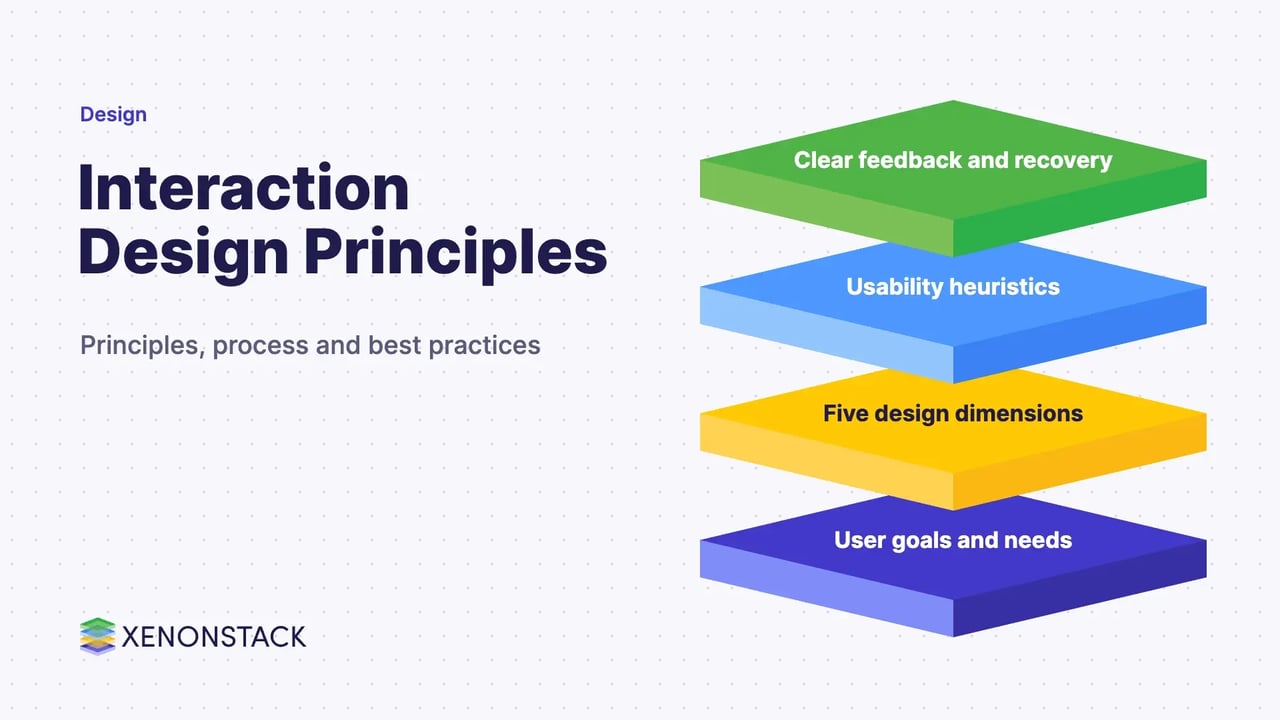
Five principles are widely taught, and each maps to the usability heuristics. They are a checklist for review, not a fixed rulebook.
| Principle | What it asks of the design | Related heuristic |
|---|---|---|
| Goal-driven design | Start from the specific need the user is trying to meet | Match between the system and the real world |
| Usability | Make the state of the system easy to see and understand | Visibility of system status |
| Affordances | Let controls show what they do, so form follows function | Recognition rather than recall |
| Learnability | Reuse familiar patterns instead of inventing new ones | Consistency and standards |
| Low friction | Avoid delay, surprise and needless thought | Aesthetic and minimalist design |
The ten heuristics, as listed by Nielsen Norman Group, are visibility of system status; match between the system and the real world; user control and freedom; consistency and standards; error prevention; recognition rather than recall; flexibility and efficiency of use; aesthetic and minimalist design; help users recognise, diagnose and recover from errors; and help and documentation.
What are the five dimensions of interaction design?
Gillian Crampton Smith introduced four dimensions of an interaction design language, and Kevin Silver added a fifth, according to the Interaction Design Foundation. They are a useful way to check that a design has considered every channel a person uses.
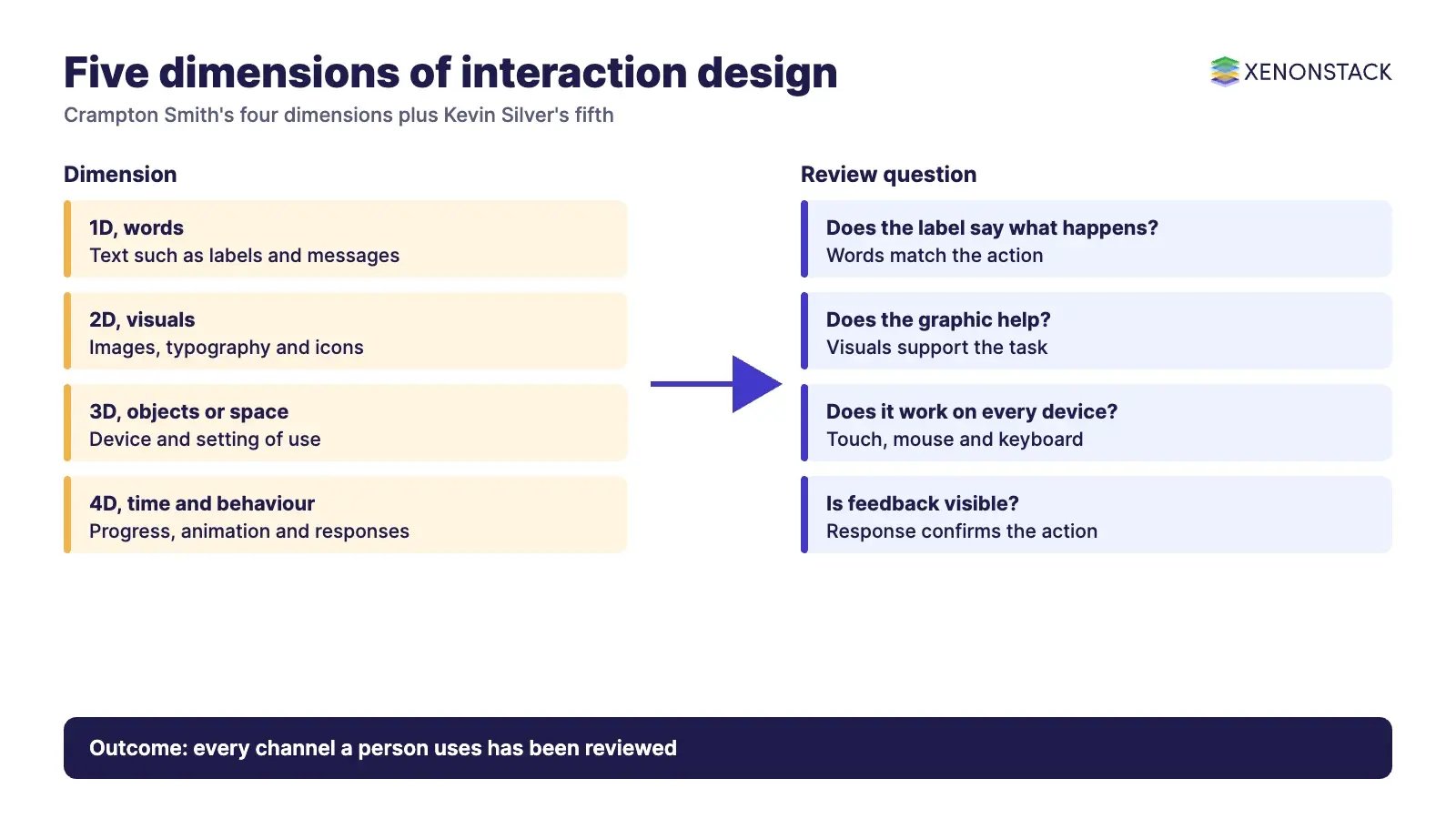
| Dimension | What it covers | Example question for a review |
|---|---|---|
| 1D, words | Text such as button labels and messages | Does the label say what will happen? |
| 2D, visual representations | Images, typography and icons that support the interaction | Does the graphic help or distract? |
| 3D, physical objects or space | The device and setting the person uses | Does it work with touch, mouse, keyboard and one hand? |
| 4D, time | Animation, sound, progress and resuming later | Can the person see progress and pick up where they left off? |
| 5D, behaviour | How the product responds to input and gives feedback | Does the response confirm what the person did? |
What does an interaction designer do?
An interaction designer works with product, engineering and research teams to define how a product behaves. The work usually follows three activities.
Design strategy
Set out the user's goals and the interactions needed to meet them, so the team agrees on what the product must let people do before screens are drawn.
Wireframes of key interactions
Sketch the main flows and the screens that support them, including empty, loading and error states.
Prototypes
Build clickable prototypes so real users can try the flow and reviewers can apply the heuristics before engineering effort is spent.
What are the steps in the interaction design process?
Teams differ in detail, but the sequence below covers most projects. Each step produces something the next one can use.
| Step | What happens | Output |
|---|---|---|
| 1. Find user needs | Interview and observe users, review current options | Needs and goals |
| 2. Analyse and structure | Turn findings into scenarios and break tasks into steps | Task flows and scenarios |
| 3. Design the solution | Apply the heuristics and patterns, for example for navigation and feedback | Wireframes and interaction rules |
| 4. Prototype and test | Let users try it, or have experts review it against the heuristics | Issues list and revisions |
| 5. Implement and measure | Build, release and watch how people really use it | Shipped design and usage evidence |
What are the best practices for interaction design?
These practices follow from the heuristics and from published accessibility guidance.
- Keep it simple. Remove steps and options that do not serve the user's goal, so a person can complete the task without reading instructions.
- Show progress. Show where the person is in a multi-step task. NN/g's response-time guidance, published by Jakob Nielsen, says delays near 10 seconds need feedback such as a percent-done indicator, because users will probably turn to other work while they wait.
- Be consistent. Use the same control for the same action throughout. A green button that submits on one screen should not mean something else on the next.
- Write useful error messages. Say what went wrong and how to fix it, in plain words. This is heuristic nine.
- Prevent errors first. Confirm destructive actions, give undo, and constrain inputs so mistakes are hard to make.
- Make targets easy to hit. WCAG 2.2 criterion 2.5.8 (Level AA) asks for pointer targets of at least 24 by 24 CSS pixels, with listed exceptions such as spacing, inline links and browser-controlled elements.
- Do not hide keyboard focus. WCAG 2.2 criterion 2.4.11 (Level AA) requires that a focused component is not entirely hidden by author-created content such as sticky headers.
- Give feedback that confirms the action. Each action should produce a visible result, so the person knows the system received it.
The WCAG 2.2 criteria are published by the W3C, which lists the standard as a Recommendation dated 12 December 2024 and adds nine new success criteria to 2.1 (see the W3C specification and its target size explainer).
How should interaction design handle response time?
Response time shapes how a product feels. According to Jakob Nielsen's article on response times, there are three limits to design for.
| Limit | What the user perceives | Design response |
|---|---|---|
| 0.1 second | The system responds immediately | Show the result, no extra feedback needed |
| 1 second | The train of thought stays unbroken, though the delay is noticed | Keep the interface responsive, and avoid implying direct manipulation if it lags |
| 10 seconds | About the longest users keep attention on a task | Show progress, such as a percent-done indicator, and let people do other work |
How does interaction design change for AI agents?
When software plans and acts for a person, the usual heuristics still apply, but they carry more weight. Visibility of system status becomes a visible record of what the agent did and why. User control and freedom becomes a way to pause, approve, reject or reverse an action. Error recovery becomes an explanation of what the agent could not do and what the person can do next. For one view of this in customer-facing work, see agentic AI in customer experience and interaction.
There is also a transparency point for products sold in the EU. As published in the AI Act Explorer (a Future of Life Institute site, so confirm the wording on EUR-Lex), Article 50 asks providers to design AI systems that interact directly with people so that those people are told they are dealing with an AI, unless that is already obvious to a reasonably well-informed person. Treat that as a design requirement to check with your legal team, not as legal advice.
For enterprise teams, this is where interaction design meets governance. ElixirData describes its Context OS as keeping governed context, versioned policy and decision traces in one decision layer above AI agents, and AgentGRC as keeping autonomous agent actions inside policy, with the audit trail risk teams need. ElixirClaw describes itself as an agentic OS platform to build, orchestrate and govern AI agents and automation workflows while keeping humans in control. Those are the controls an agent interface can then expose to its users.
When is interaction design not the main problem?
Good interaction design cannot fix a feature nobody needs, slow back-end systems or unclear ownership of a process. If users complete tasks but still fail to reach their goals, look at the service, the data or the policy behind the screen. Likewise, a prototype that tests well with five users does not prove the design works for every role, device and assistive technology, so keep measuring after release.
Related reading: conversational user interface best practices.
To map one decision your agents should make, and the context and policy it depends on, book a Context Workshop. See what happens in the workshop.
Frequently asked questions
What is interaction design in simple terms?
It is the design of how a product behaves in response to what people do, including feedback, navigation and error handling. The Interaction Design Foundation describes it as the design of interactive products and services.
What are the main principles of interaction design?
Goal-driven design, usability, affordances, learnability and low friction are commonly taught. They map to the ten usability heuristics from Jakob Nielsen and Rolf Molich, which NN/g says have stayed unchanged since 1994.
What are the five dimensions of interaction design?
Words, visual representations, physical objects or space, time and behaviour. Gillian Crampton Smith introduced the first four and Kevin Silver added the fifth, according to the Interaction Design Foundation.
What is the difference between interaction design and UX design?
Interaction design focuses on how a product responds to input and what feedback it gives. UX design covers the whole experience, including research, content and service, so interaction design is one part of it.
What accessibility targets apply to interaction design?
WCAG 2.2, a W3C Recommendation dated 12 December 2024, includes criterion 2.5.8, which asks for pointer targets of at least 24 by 24 CSS pixels at Level AA, with exceptions, and criterion 2.4.11, which asks that focus is not entirely hidden.
How does interaction design apply to AI agents?
The same heuristics apply, with more weight on visible status, the ability to approve or reverse actions, and clear error explanations. In the EU, Article 50 of the AI Act asks that people are told when they are dealing with an AI, unless that is obvious. Confirm requirements on the official text.
Explore the XenonStack platform family: ElixirData · ElixirClaw · ElixirHub · NexaStack · MetaSecure · Neural AI · AgentGRC · AgentSRE · AgentAnalyst · AgentInstruct · AgentRAI · AgentScrum · AgentSearch · AgentForce · AI Aviator · SAIF Aviator · CohortIQ · XenonStack AI · XenonStack UAE