Key takeaway
- How automatic indexing works in Oracle and Azure SQL, what SQL Server offers, defaults, limits and a safe adoption sequence for enterprise teams.
What is automatic indexing in a database?
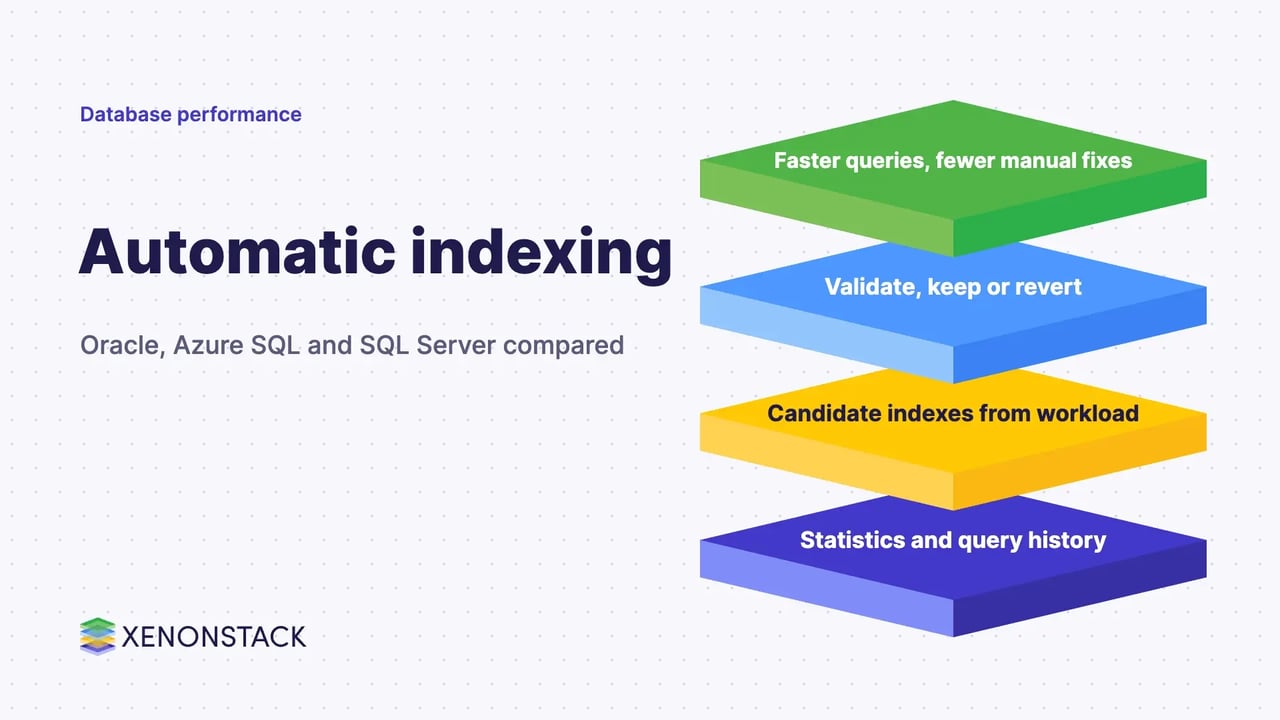
Automatic indexing means the database watches the workload, proposes indexes, tests them and keeps only those that help, without a DBA writing each CREATE INDEX. The two documented, production-grade implementations are Oracle automatic indexing and the CREATE INDEX and DROP INDEX options of Azure SQL Database automatic tuning. Both validate a change before it stays, and both can be switched to a cautious mode.
This guide is about database indexes. It is not about document or back-of-book indexing, which classifies text with NLP (see our natural language processing guide). For architects the decision is which engine you run, what you let it change on its own, and how you audit what it did.
How does automatic indexing work in Oracle?
According to the Oracle Database 19c Administrator's Guide (section 21.7), automatic indexing creates new indexes and drops underperforming ones in the background, and rebuilds indexes marked unusable after partition maintenance such as ALTER TABLE MOVE. The process runs every 15 minutes and follows a fixed sequence.
- Candidates are identified from how columns are used in SQL statements. Tables without statistics, or with stale statistics, are not considered.
- Candidates are created invisible and unusable, so the application workload cannot see them.
- A sample of workload SQL is tested against the candidates while they stay invisible.
- Candidates that improve SQL performance are made visible; those that do not revert to invisible and unusable after a short delay. If a good index regresses one statement, a SQL plan baseline is created to prevent that regression.
- Unusable and unused auto indexes are deleted; by default unused ones are deleted after 373 days.
The mode is set with DBMS_AUTO_INDEX.CONFIGURE. IMPLEMENT creates new auto indexes as visible; REPORT ONLY creates them as invisible so they cannot be used by SQL statements; OFF creates no new auto indexes while existing ones remain enabled. Auto indexes are local B-tree indexes and are not created on temporary tables. The documentation states that automatic indexing depends on Real Application Testing, and that advanced index compression needs the Oracle Advanced Compression option, so confirm licensing on the Oracle page.
What does Azure SQL and SQL Server offer?
The Azure SQL automatic tuning overview describes three options. CREATE INDEX and DROP INDEX apply to Azure SQL Database (CREATE INDEX also to SQL database in Fabric); FORCE LAST GOOD PLAN applies to Azure SQL Database and Managed Instance. The SQL Server automatic tuning page lists automatic index management as applying to Azure SQL Database and SQL database in Fabric, and automatic plan correction as available in SQL Server from SQL Server 2017, where it depends on Query Store being enabled.
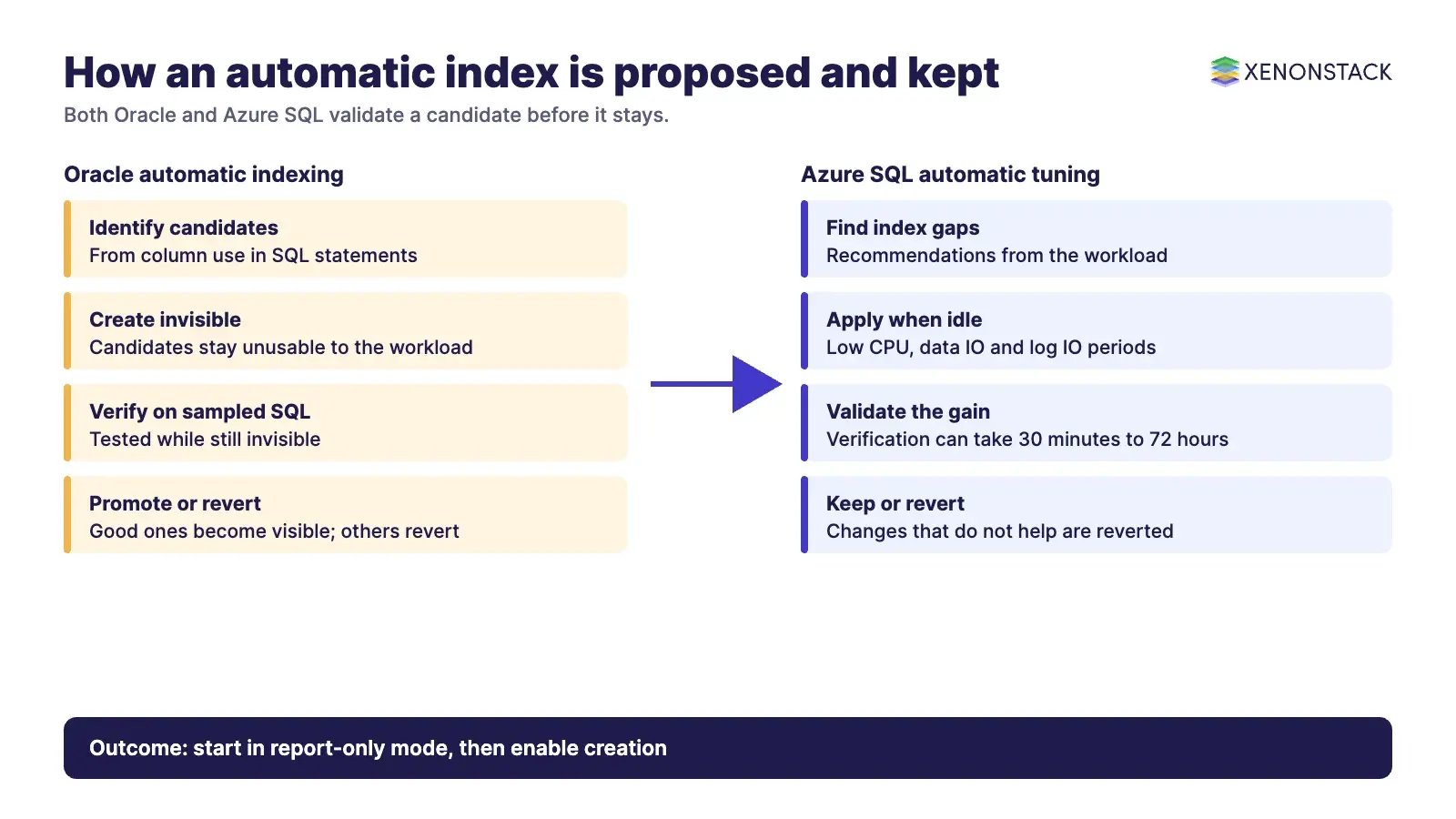
Microsoft states that tuning is applied only in periods of low CPU, data IO and log IO utilisation, and that the system validates the gain and reverts changes that do not help. Validation can take from 30 minutes to 72 hours depending on how often the queries run. Applying recommendations through T-SQL bypasses automatic validation and reversal. Change history is kept for 21 days in Azure SQL Database, with the AutomaticTuning diagnostic setting available for longer retention.
Which option fits which platform?
| Platform | What is automated | Safeguard (per vendor docs) | Default or mode |
|---|---|---|---|
| Oracle Database (automatic indexing) | Create, rebuild and drop indexes | Candidates invisible until verified; plan baseline on regression | Mode set with AUTO_INDEX_MODE: IMPLEMENT, REPORT ONLY or OFF |
| Azure SQL Database | CREATE INDEX, DROP INDEX, FORCE LAST GOOD PLAN | Automatic validation and revert; low-utilisation windows | FORCE_LAST_GOOD_PLAN on; CREATE_INDEX and DROP_INDEX off |
| Azure SQL Managed Instance | FORCE LAST GOOD PLAN only | Plan verification | Enabled with ALTER DATABASE |
| SQL Server (box) | Automatic plan correction (FORCE_LAST_GOOD_PLAN) | Unforces plans that are not better; needs Query Store | Enabled per database |
What are the limits and risks?
- Azure SQL: no index recommendation is generated if the addition would take space use above 90% of maximum data size, or for tables whose clustered index or heap is larger than 10 GB.
- Azure SQL: once index creation starts it is not paused or cancelled if utilisation rises; a failed creation is retried in a later low-utilisation period.
- Azure SQL: DROP INDEX removes unused (over 90 days) and duplicate indexes, never unique indexes, and can be disabled automatically when queries use index hints or the workload does partition switching.
- Oracle: tables need current statistics, and Real Application Testing must not be excluded, or ORA-00438 is raised.
- Both: automation changes production schema. Review the change history, and keep application teams aware that indexes may appear or vanish.
How should an enterprise adopt it?
- Start in observation: Oracle REPORT ONLY, or Azure SQL with CREATE_INDEX left off and recommendations reviewed.
- Confirm prerequisites: statistics, licensing, Query Store and service tier.
- Enable creation first, drop later; keep DROP INDEX off where index hints or partition switching are used.
- Review the change history regularly and feed it into your change records.
- Test the workload before and after, using the approach in our ML model testing and database testing guides.
Where does machine learning fit?
The vendor pages above describe workload-driven analysis, verification and reversion; they do not set out the internal algorithms, so this guide makes no claim about which models run inside each engine. Where ML does help your team is around the engine: classifying slow queries, predicting growth and deciding which recommendations to approve. That work belongs in a governed pipeline, as covered in our MLOps guide. For the wider data estate, see cloud native databases, database as a service and PostgreSQL deployment on Kubernetes.
When agents begin to approve or apply database changes, the decision, its policy and its trace need a home. ElixirData Context OS keeps governed context, versioned policy and decision traces in one decision layer above AI agents, and ElixirClaw is an agentic OS platform to build, orchestrate and govern AI agents and automation workflows while keeping humans in control.
To map one database change decision your agents should make, and the context and policy it depends on, book a Context Workshop. See what happens in the workshop.
Frequently asked questions
What is automatic indexing in a database?
It is a database feature that finds indexes the workload would benefit from, creates them, checks that queries improve and removes indexes that no longer help. In Oracle it is called automatic indexing; in Azure SQL Database it is the CREATE INDEX and DROP INDEX options of automatic tuning.
Does SQL Server have automatic index management?
According to the SQL Server automatic tuning page, automatic index management applies to Azure SQL Database and SQL database in Microsoft Fabric. Automatic plan correction (FORCE_LAST_GOOD_PLAN) is available in SQL Server from SQL Server 2017, but that is plan forcing, not index creation.
Is automatic index creation safe for production?
Both vendors describe validation before an index is kept. Oracle creates candidates as invisible and unusable and tests them against sampled SQL; Azure SQL verifies performance and reverts changes that do not help. Treat this as a safeguard, not a replacement for review of the change history.
What is the difference between REPORT ONLY and IMPLEMENT in Oracle?
According to the Oracle documentation, IMPLEMENT creates new auto indexes as visible indexes the workload can use, while REPORT ONLY creates them as invisible indexes so they cannot be used by SQL statements. REPORT ONLY is the cautious first step.
Is Azure SQL automatic index creation on by default?
According to Microsoft, new servers inherit Azure defaults of FORCE_LAST_GOOD_PLAN enabled, CREATE_INDEX disabled and DROP_INDEX disabled, so index automation is an explicit choice.
Explore the XenonStack platform family: ElixirData · ElixirClaw · ElixirHub · NexaStack · MetaSecure · Neural AI · AgentGRC · AgentSRE · AgentAnalyst · AgentInstruct · AgentRAI · AgentScrum · AgentSearch · AgentForce · AI Aviator · SAIF Aviator · CohortIQ · XenonStack AI · XenonStack UAE