Key takeaway
- Learn how Amazon Lex V2 conversation logs, analytics dashboards and CloudWatch metrics show where your bot fails, and how to turn them into fixes.
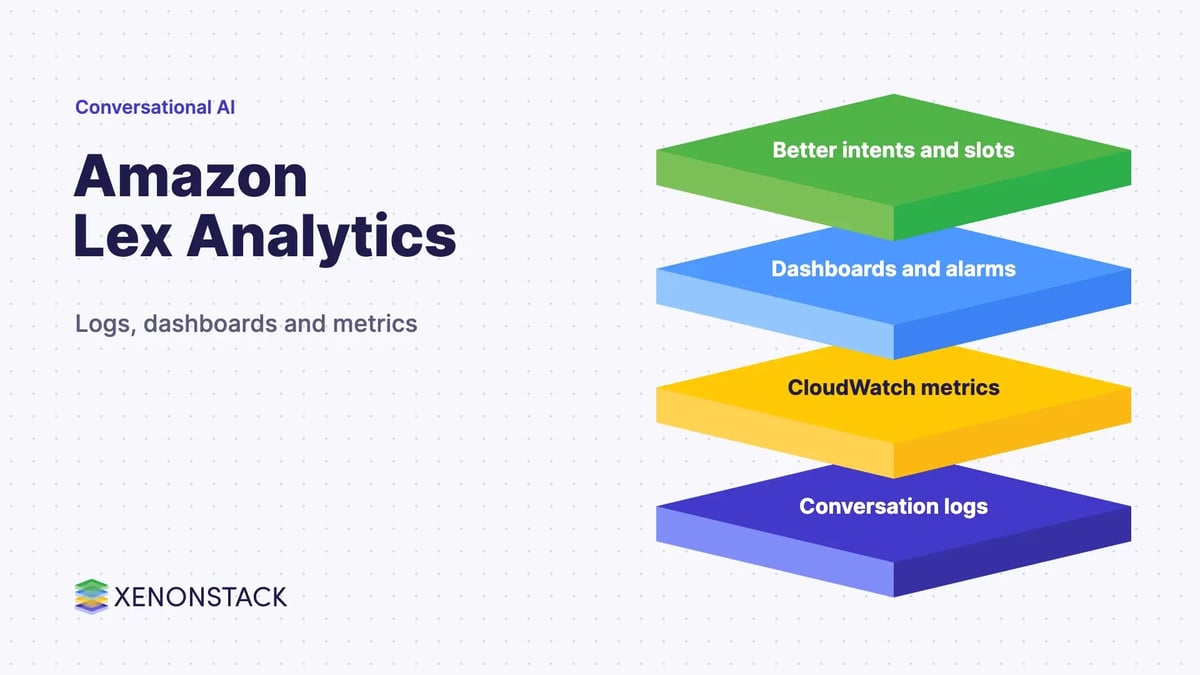
Amazon Lex analytics is the practice of using conversation logs, built in analytics dashboards and CloudWatch metrics to see how a bot performs and where it fails. It turns each session into evidence for improving intents, slots and fulfilment.
This guide is for developers and product owners running Amazon Lex bots who want to know what data exists, where it is stored and how to act on it. It covers versions, logs, dashboards, metrics, privacy and what changes when bots become agents.
What is conversation analytics in Amazon Lex?
Amazon Lex is the AWS service for building voice and text bots. Conversation analytics is what you do with the records those bots leave behind: which intents users trigger, which utterances the bot misses, where sessions end and how the runtime behaves. It matters because a bot that nobody reviews stops improving. For the wider AWS picture, see our guide to real time analytics on AWS.
Conversational data is data extracted from a digital conversation, across channels such as chat, email and calls. The platform guidance below is taken from the AWS documentation for Amazon Lex V2, and it explains where each kind of data comes from.
Which version of Amazon Lex should you use?
Use Lex V2. The AWS migration guide says AWS is no longer adding new features to V1 and strongly recommends V2 for all new bots. V2 also supports multiple languages inside one bot, where V1 needed a separate bot per language.
If you are moving an older bot, check what carries over. The same page says migration copies custom intents and slot types but does not migrate aliases, Lambda functions, conversation log settings or messaging channels such as Slack, so logging has to be set up again on the new bot. Everything in this guide describes V2.
What data does Amazon Lex capture?
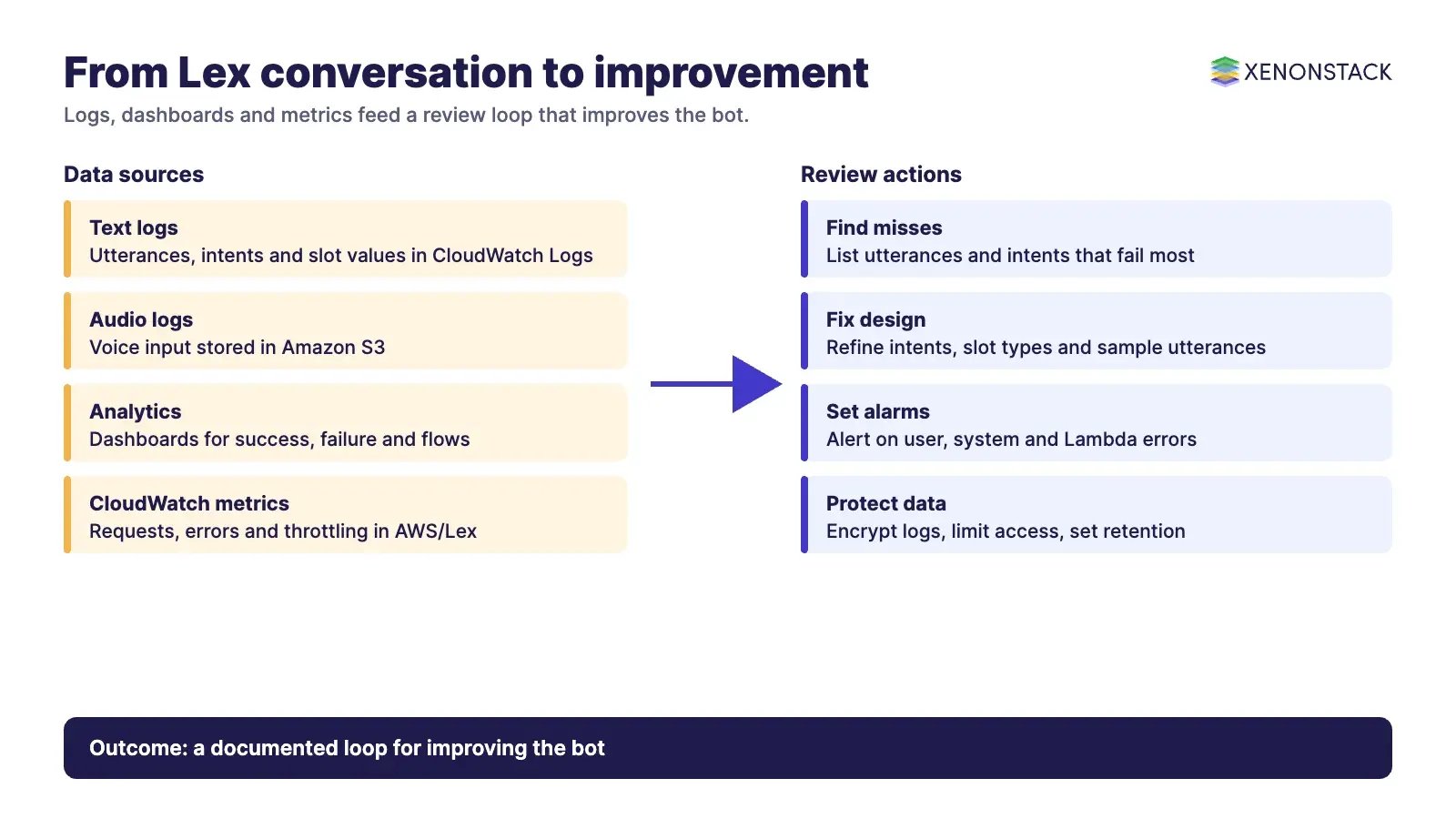
The Lex V2 conversation logs page explains that text logs hold text input, transcripts of audio input and metadata such as intent name and slot values, and are stored in CloudWatch Logs. Audio logs hold the audio input and are stored in Amazon S3. Logs are configured per alias, and each alias can have its own text and audio settings.
| Source | What it holds | Where it lives | Typical use |
|---|---|---|---|
| Text conversation logs | User text, transcripts, intent name, slot values | CloudWatch Logs | Find missed utterances and failing intents |
| Audio logs | Audio input from voice sessions | Amazon S3 | Review speech recognition problems |
| Analytics dashboards | Success and failure metrics, conversation flows | Lex V2 console | Spot patterns without writing queries |
| CloudWatch metrics | Request counts, errors, latency, throttling | AWS/Lex namespace | Alarm on runtime health |
A session has a session ID, and you can use it to retrieve the full transcript of the conversation, including user utterances and bot responses. Logs can be encrypted with customer managed AWS KMS keys.
How do you analyse Lex conversations?
Start in the console. The Lex V2 analytics page describes dashboards that evaluate bot performance through success and failure rates and visualise conversation flows. It lists an overview, a conversation dashboard and a performance dashboard covering intent and utterance metrics, with filters to find problems involving intents, slots, utterances and conversations.
For runtime health, the CloudWatch metrics page lists metrics in the AWS/Lex namespace, including RuntimeRequestCount, RuntimeUserErrors, RuntimeSystemErrors, RuntimeThrottledEvents and RuntimeLambdaErrors. CloudWatch keeps these statistics for 15 months and supports alarms that notify you when a threshold is crossed. Note that the page spells one latency metric RuntimeSucessfulRequestLatency, so copy the name exactly when you build alarms.
If you want near real time pipelines or long term storage outside CloudWatch, a streaming service such as Amazon Kinesis can sit downstream of exported logs. The pages read for this guide do not cover sentiment scoring, so confirm in the current documentation which service you will use for it before promising it to stakeholders.
How should you design bots to produce useful data?
Analytics quality follows design quality. Define each intent as one goal the bot can complete, and each slot type as the data it needs, such as a date or a city. Clear intents and slot types give cleaner logs, and sample utterances that reflect how people really phrase requests make misses easier to diagnose. Keep prompts short and give the user a clear first message.
Fulfilment matters too. When a bot calls AWS Lambda or an external system, errors there show up in the Lambda error metric, so you can separate language understanding problems from back end problems. For product background on building bots, see our guide to enterprise chatbot platforms.
What privacy and compliance steps apply?
Because slot values are written to the logs, treat the logs as sensitive. Encrypt them with KMS, restrict who can read the log group and bucket, and set retention to match your policy. AWS states that conversation logs cannot be used with a bot subject to the Children's Online Privacy Protection Act (COPPA). Check the rules that apply to your sector and region with your compliance team.
How do AI agents change conversation analytics?
A conventional bot answers within the intents it was given. An AI agent plans steps, calls tools and may hand a case to a person, so the log you need is a decision trail: what the agent knew, which tool it called, and why it escalated. That trail is more useful when intents, outcomes and policies share one vocabulary. XenonStack's ElixirClaw is the AI agents computing platform for teams building and running agents, and the same review habits in this guide, such as sampling failed sessions and testing changes against a fixed set of utterances, apply to agents. See also our overview of conversational AI, machine learning and A/B testing tools for comparing conversation flows.
| Question | Rule based bot | AI agent |
|---|---|---|
| What is logged | Intent, slots, response | Plan, tool calls, outcome, escalation |
| What you tune | Utterances and slot types | Instructions, tools, policies, evaluation sets |
| Failure signal | Missed utterance | Wrong action, loop, unsafe or unapproved step |
What should you do first?
- Confirm the bot runs on Lex V2 and plan a migration if it does not.
- Enable text conversation logs on the production alias, with KMS encryption.
- Open the analytics dashboards and list the five intents or utterances that fail most.
- Create CloudWatch alarms for user errors, system errors and throttling.
- Review a sample of failed sessions weekly and record each change you make.
Related reading: data intelligence solutions.
To map one decision your agents make, and the data and policy it depends on, book a Context Workshop. See what happens in the workshop.
Frequently asked questions
Does Amazon Lex have built in analytics?
Yes. The Lex V2 console includes analytics dashboards for overview, conversations and performance, with filters for intents, slots, utterances and conversations.
Where are Amazon Lex conversation logs stored?
Text logs are stored in CloudWatch Logs and audio logs in Amazon S3. They are configured per bot alias and can be encrypted with customer managed KMS keys.
Should new bots use Lex V1 or V2?
Use V2. AWS says it is no longer adding features to V1 and strongly recommends V2 for all new bots.
Do Lex logs contain sensitive data?
They can. Slot values and transcripts are part of the logged metadata, so encrypt the logs, restrict access and set retention to match your policy.
How long does CloudWatch keep Lex metrics?
The Lex V2 documentation says CloudWatch statistics are kept for 15 months, and you can set alarms on thresholds.
Follow XenonStack on LinkedIn: XenonStack on LinkedIn for new guides on agentic AI, data and platform engineering.
Ready to put AI agents to work? Explore ElixirClaw, the agentic OS platform to build, orchestrate and govern AI agents.
Explore the XenonStack platform family: ElixirData · ElixirClaw · ElixirHub · NexaStack · MetaSecure · Neural AI · AgentGRC · AgentSRE · AgentAnalyst · AgentInstruct · AgentRAI · AgentScrum · AgentSearch · AgentForce · AI Aviator · SAIF Aviator · CohortIQ · XenonStack AI · XenonStack UAE