Key takeaway
- Learn how to build an empathy map step by step: the four quadrants, variants, common mistakes and when to use one, with sources from NN/g and IxDF.
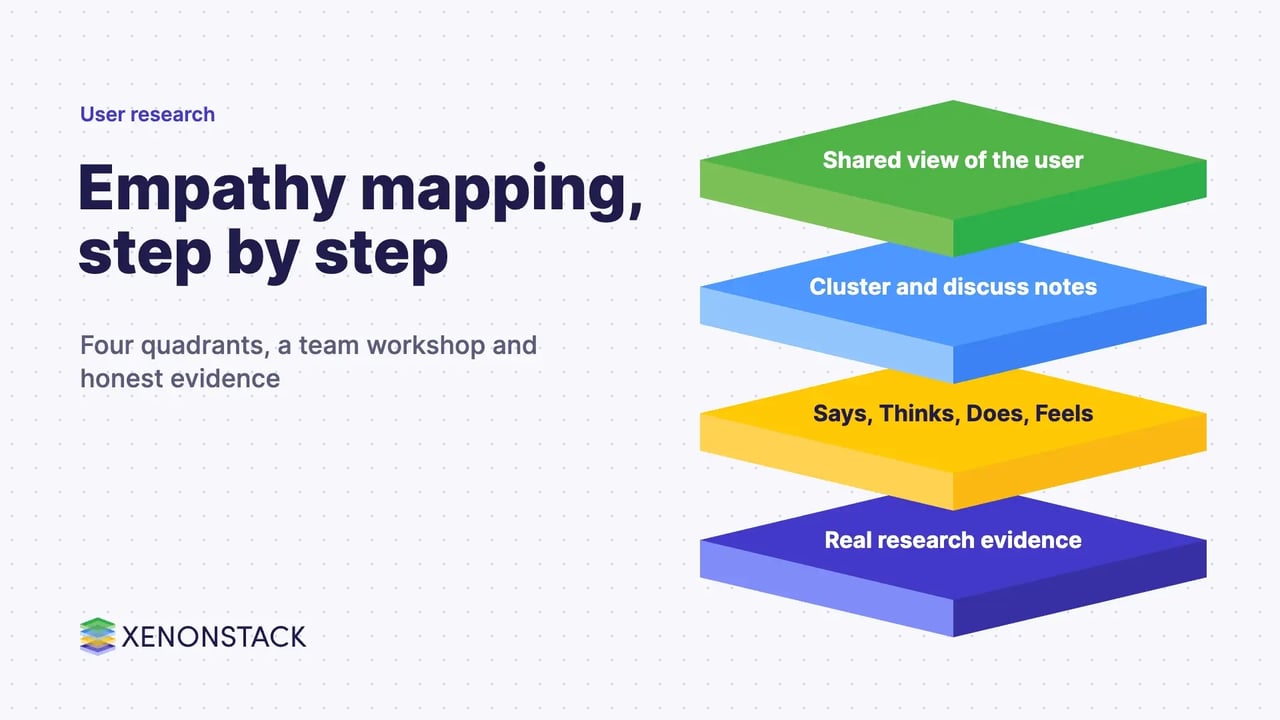
An empathy map is a shared picture of what your team knows about one user or one user segment. It places four things around the user: what they say, think, do and feel. Teams use it to turn scattered research notes into a common view before they design or decide anything.
It works only when the notes come from real research, and when the team treats the finished map as a living document. This guide shows how to build one, how to read it, and how to keep it honest. For the wider method, see our guides to user research methods and human-centred design.
What is an empathy map?
According to the Nielsen Norman Group, an empathy map is "a collaborative visualization that captures what we know about a particular user or about a user segment". The Interaction Design Foundation describes it as a visual representation of users' thoughts, feelings and actions that helps UX teams organise research data and build a shared understanding of user needs.
The aim is to move the team's attention from the product to the person using it. Unlike a journey map, an empathy map is not a sequence. It captures a mindset at one point in time.
What goes in the four quadrants?
The Nielsen Norman Group places the user at the centre and fills four quadrants, in any order. Its guidance for each one is below.
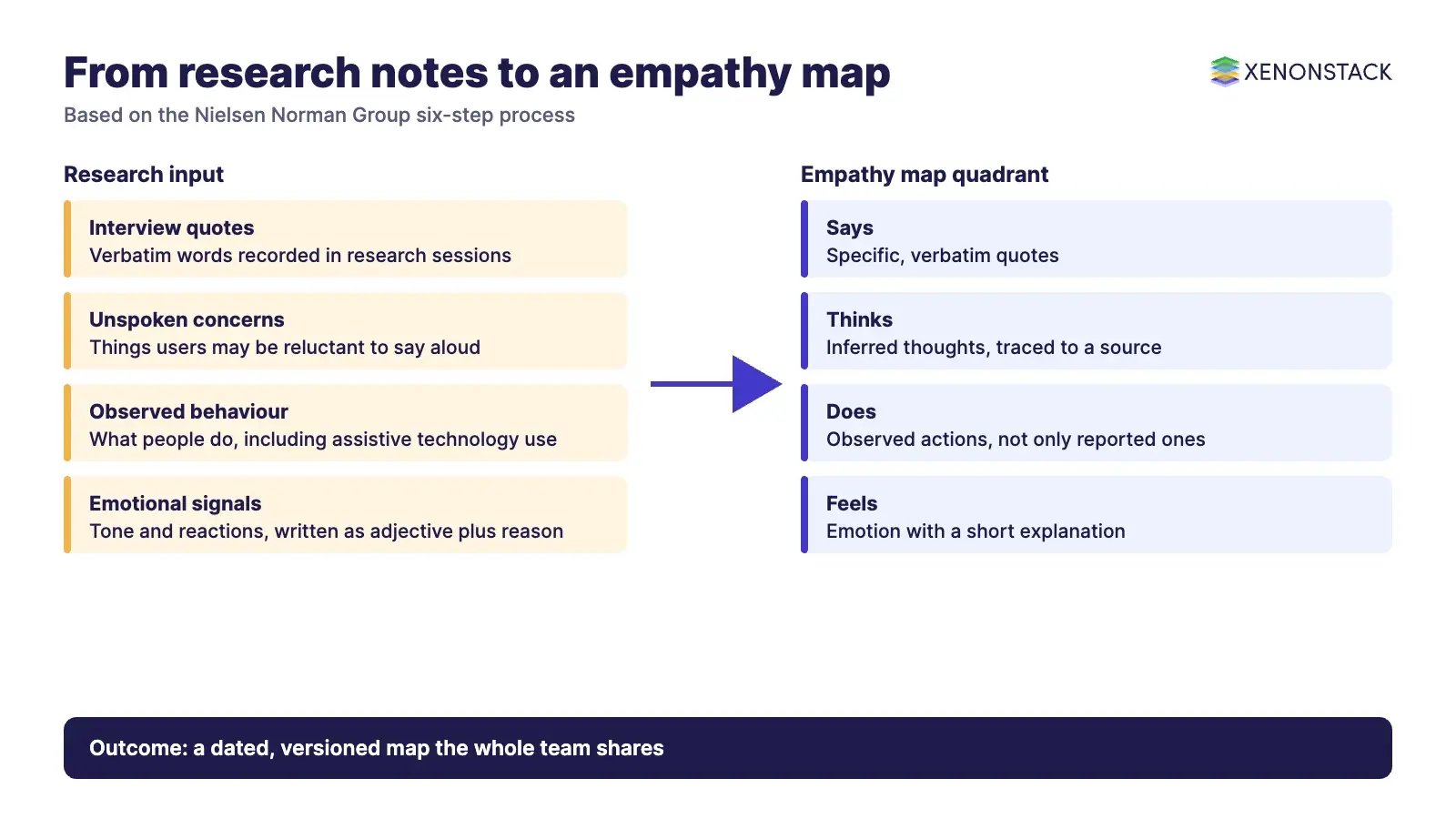
| Quadrant | What to write | Practical note |
|---|---|---|
| Says | Verbatim quotes from research | Specific quotes are more useful than generic ones |
| Thinks | What the user is thinking, including things they may not say aloud | Inferred from the research, so trace each note to a source |
| Does | Observed behaviour, including use of assistive technology | What people report doing can differ from what you observe |
| Feels | Emotion as an adjective plus a short reason | For example: anxious, because the user cannot tell whether a payment went through |
Contradictions between quadrants are worth investigating. If a quadrant cannot be filled, that signals the team needs more research.
How do you build an empathy map step by step?
The steps below follow the Nielsen Norman Group's six-step process, with the Interaction Design Foundation's method as a cross-check.
- Define the scope and goal. Map one user or one persona per map. A segment that is too broad produces contradictory notes.
- Gather materials. For a workshop, a whiteboard, sticky notes and markers are enough. Solo work can use any shareable format.
- Collect research. Use interviews, field studies, diary studies, qualitative surveys or support tickets. Each note should trace to a source, or be labelled as an assumption.
- Write notes individually. Team members fill in sticky notes for each quadrant without seeing each other's notes, which avoids anchoring.
- Cluster together. Group similar notes, name the clusters, and discuss outliers, repeated themes and gaps. A facilitator leads this step.
- Polish and plan. Record the user, open questions, date and version. Optionally add a fifth area such as Goals, then revisit the map as new research arrives.
What are the variants of the empathy map?
Teams adapt the basic layout to the question in front of them. Common adaptations are below.
| Variant | What it adds | When it fits |
|---|---|---|
| Aggregated map | Combines similar one-user maps into a segment view | When you want a step towards personas (per the Nielsen Norman Group) |
| Map with Goals | A fifth area for what the user is ultimately trying to achieve | When the decision depends on the reason behind a task |
| Extended canvas | Goals, Pains, Gains, Sees and Hears, credited by the Interaction Design Foundation to Dave Gray | When the team needs more than the four basic quadrants |
| Task-focused map | The team's own layout: feelings, tasks, influences, pain points and goals | When the map must support one product decision, not a general briefing |
The task-focused layout is a team convention that this guide has used for focused brainstorming. It is not a published standard, so label it as your own template.
When should you use an empathy map, and when not?
According to the Nielsen Norman Group, it suits the start of a user-centred design effort and can be used throughout. Typical uses are organising qualitative data, finding gaps in knowledge, building common ground across the team, creating personas, and asking research participants to fill in a blank template after an interview or usability session.
| Situation | Use an empathy map? | Why |
|---|---|---|
| Early research synthesis | Yes | It organises notes and shows gaps |
| Aligning a cross-functional team | Yes | It builds a shared view of one user |
| Replacing interviews or usability testing | No | The Interaction Design Foundation notes it does not replace them |
| Understanding a whole journey over time | Use a journey map as well | An empathy map is not sequential |
| Mapping from memory with no evidence | Only as a hypothesis | It records the team's beliefs, not evidence |
What mistakes make empathy maps misleading?
- Treating it as a one-off deliverable. Its value comes from revisiting it when design decisions are contested.
- Mapping a segment that is too broad. Contradictory notes are hard to investigate.
- Skipping the evidence. A map built from memory shows what the team believes. Label it as a hypothesis and plan research to test it.
- Working alone. The map is meant to build common ground, so the team should be present when aligning on a user.
- Letting it go stale. Users and markets change, so date and version each map.
- Relying on AI for the analysis. The Nielsen Norman Group advises that each note should trace to real evidence.
How does empathy mapping help enterprise product and AI teams?
The method is not limited to consumer apps. Enterprise teams can map the people who use or approve a system, such as an analyst reviewing a recommendation, an operations lead handling exceptions, or a risk owner signing off a decision. What each person says, thinks, does and feels shows where a workflow creates friction or doubt.
When a map has been turned into segments, teams can test those segments against real behaviour. CohortIQ is described on its own page as a tool to build, compare and analyse customer or patient cohorts. Where AI agents act on behalf of those users, ElixirData Context OS is described on its site as a governance layer that checks policy and permissions before an agent reasons and before it acts, and keeps a record of each decision for audit. For the related design toolkit, read our guides to user experience design and service design tools.
To map one decision your agents make for a user group, and the context and policy it depends on, book a Context Workshop. See what happens in the workshop.
Frequently asked questions
What is an empathy map in simple words?
An empathy map is a shared picture of what a team knows about one user or one user segment. It has four areas, Says, Thinks, Does and Feels, arranged around the user.
What is the difference between an empathy map and a persona?
An empathy map captures a mindset from research notes. A persona is a fuller profile. According to the Nielsen Norman Group, a map that combines similar individual maps can be a step towards a persona, but it does not replace one.
Do we need research before we build an empathy map?
Ideally yes. The Nielsen Norman Group says a team can sketch a map before research if it clearly separates evidence from assumptions, and it advises treating a map made from memory as a hypothesis to test.
Who should take part in an empathy mapping session?
The whole team that makes decisions about the user, with a facilitator who leads the clustering step. Team members first read the research and write their own notes, so that no one anchors on another person's view.
When does an empathy map go out of date?
When users, markets or research change. Both the Nielsen Norman Group and the Interaction Design Foundation advise updating the map, and dating and versioning it so the team knows which evidence it reflects.
Ready to put AI agents to work? See an ElixirClaw demo: the agentic OS to build, orchestrate and govern AI agents across your enterprise systems.
Explore the XenonStack platform family: ElixirData · ElixirClaw · ElixirHub · NexaStack · MetaSecure · Neural AI · AgentGRC · AgentSRE · AgentAnalyst · AgentInstruct · AgentRAI · AgentScrum · AgentSearch · AgentForce · AI Aviator · SAIF Aviator · CohortIQ · XenonStack AI · XenonStack UAE